

STEP 1
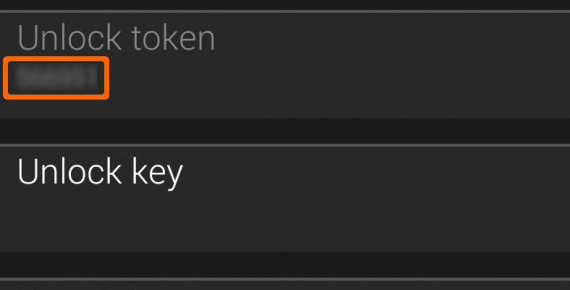
Find the 6-digit ‘Unlock token’ in the RW Gold settings in Garmin app.
STEP 2
Enter these 6 digits while making the payment.
The entry field will only appear after you press the ‘Buy’ button.
The unlock key will be sent from vgfsyhcxft@gmail.com to the email address that you provided to the payment handler. If you type your address during the payment, please make sure that you spell it correctly. Also remember that the email address you have registered with the payment handler may not be the same as your regular address. If you don’t see the email coming, please check your spam folder.
STEP 3
After receiving an email containing the 12-digit unlock key, enter the key into the ‘Unlock key’ setting field. You can now select any locked settings marked with a star. Save the settings and see the result on your watch.
By clicking the Payment Button, you agree to the following conditions:
– The unlock key is tied to the watch, not to the user. So if you buy a new watch, you will need to buy a new key. However if you get your watch replaced by the seller, you can request a replacement key if you provide a proof of return/exchange of your watch, together with the new unlock token.
– You must provide the correct unlock token for your watch while making the payment. If you enter a wrong token, you will not receive the key, or the key will not work.
If you experience problems with unlocking, you can find some advice here. If this doesn’t help, you can use the Contact Developer link on the download page, leaving your correct contact address – otherwise there’s no way for the developer to get back to you.