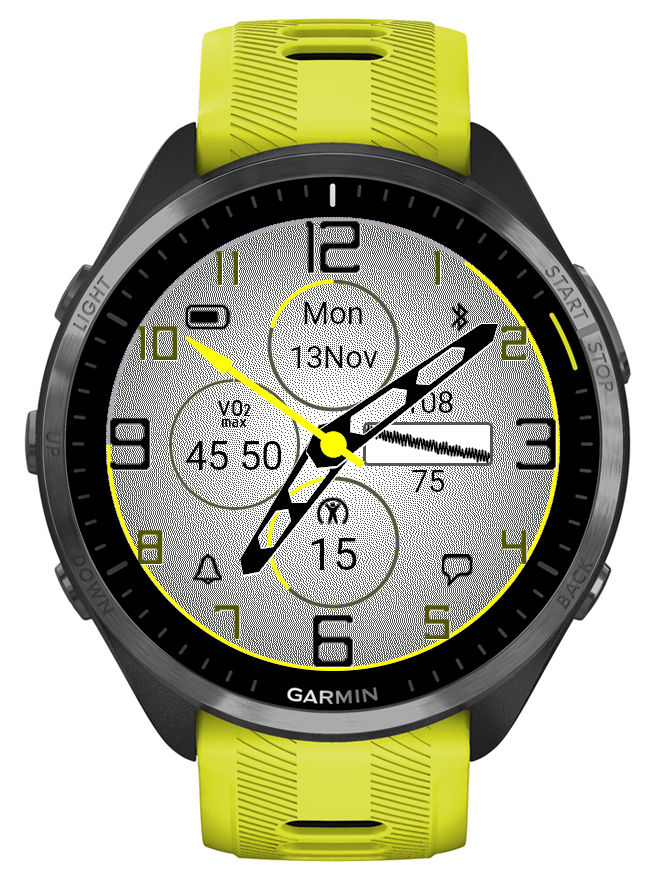
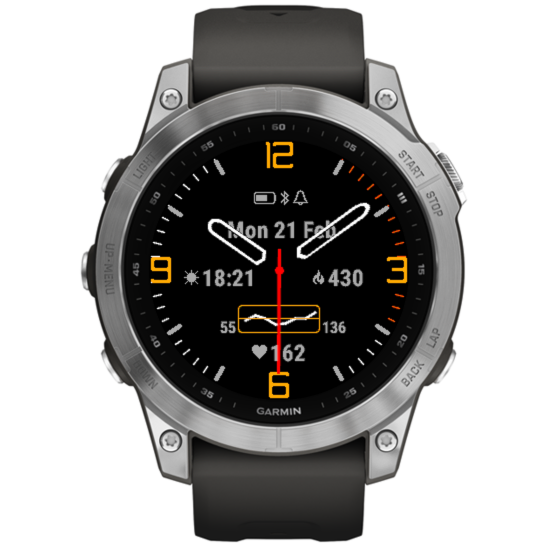
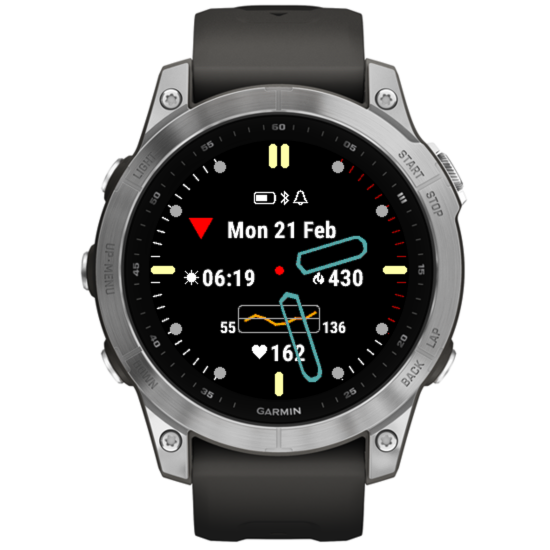
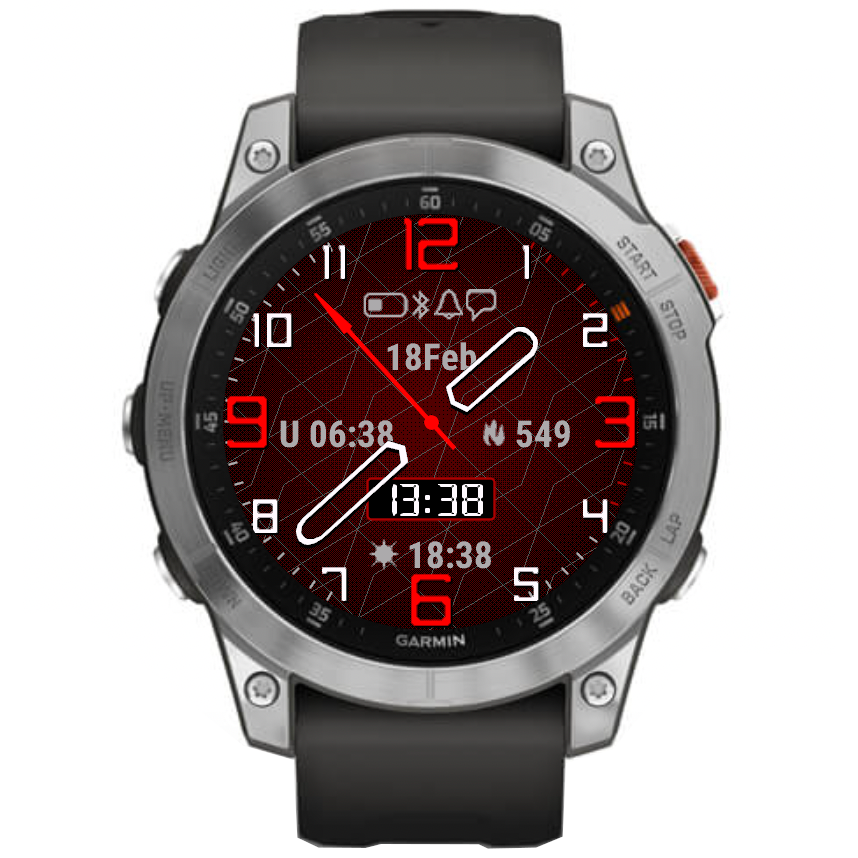
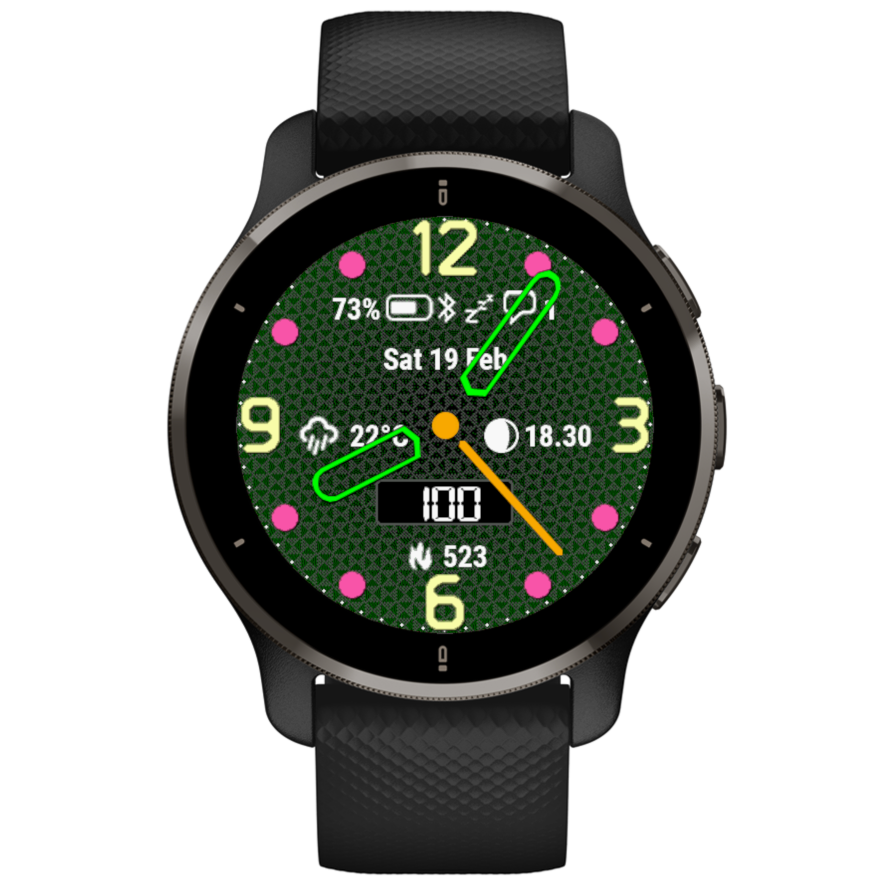
Time Flies version 5.10.0

What’s new

• AOD brightness levels adjustment
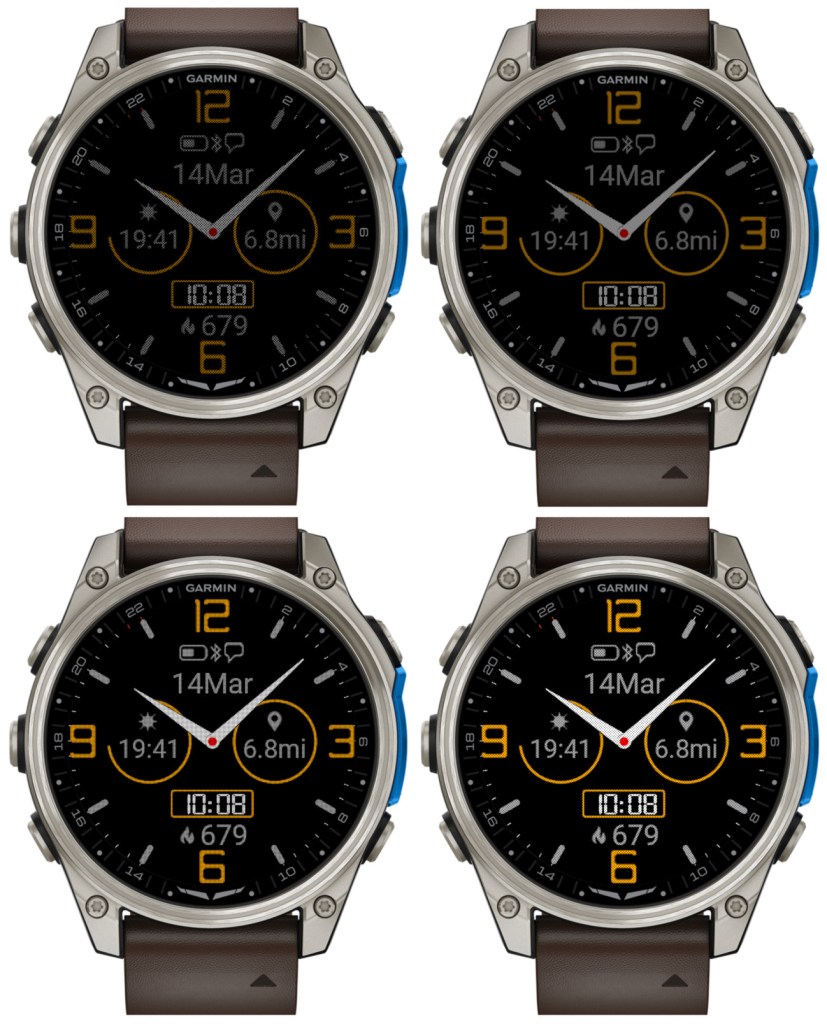
There are 4 levels now. Level 1 corresponds to the AOD brightness before version 5.10.0. Please note that a higher AOD brightness means a faster battery drain.

• Increased background brightness threshold for switching to monochrome AOD

Since AOD mode has a restriction on screen luminance, it is not reasonable to try to have AOD with background color other than black. Because of this, for the color themes with non-black background elements, Time Flies automatically switches to monochrome AOD. Before version 5.10.0, this was triggered by backgrounds simply being any other than black. In 5.10.0, backgrounds with overall limited luminance are assumed to come with foreground elements that are bright enough to be seen well on a completely black background. So now themes that do not include bright background elements will still be shown in full color in AOD, except the backgrounds of course.

• Option to choose the monochrome AOD color

For color themes with bright background, when the switch to the monochrome AOD occurs, it is now possible to choose what single color this AOD should be in.

There is a new dedicated field for this in the settings: ‘Inverted AOD color’, which accepts the same color definitions as the custom color fields (color map entry or RGB).
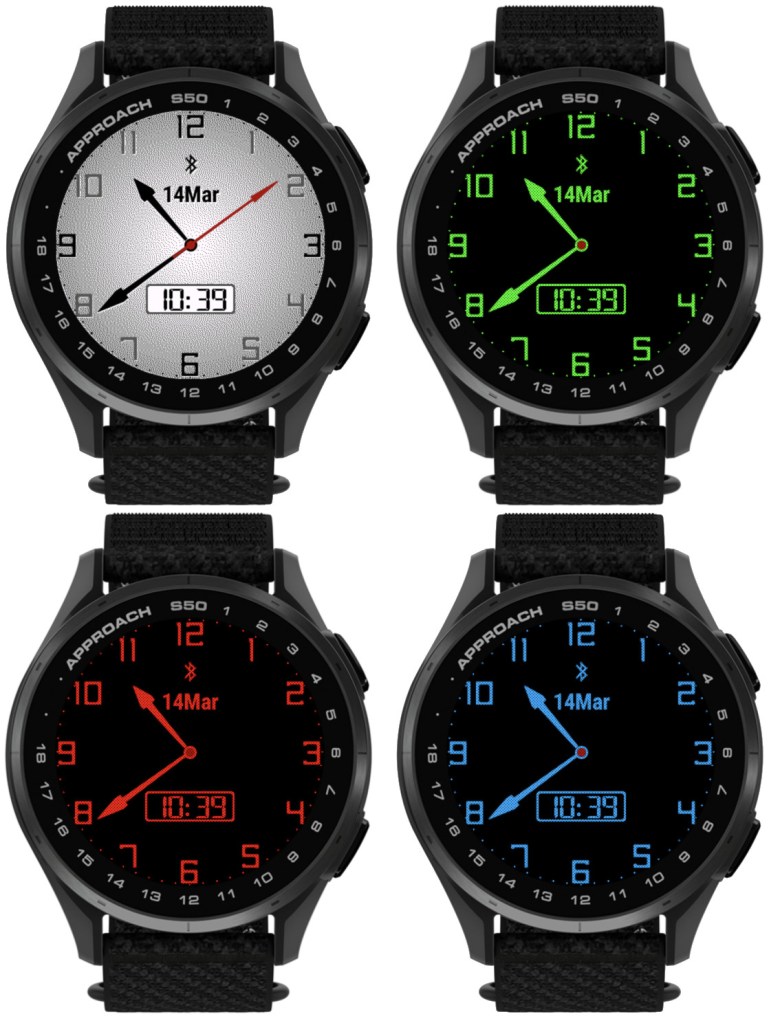

• Custom colors can be entered as RGB

Before 5.10.0, each of the 4 custom colors could be defined as a number entry in the color map, ranging from 0 (black) to 63 (white). Now it is also possible to define the custom colors as 6 digit RGB values ranging from 000000 (black) to ffffff (white).

Notes:

1) All 6 digits including leading zeros need to be entered for this to work

2) While the RGB color entry works on MIP devices, it will not make any difference compared to the color map entry, since MIP devices support only up to 64 colors anyway, and any RGB entry will be mapped by the watch to the nearest supported color.

• Separate options for battery % and battery % + days

Before 5.10.0, there was only ‘Battery %’ option for the data fields and DBox. In the four Opt data fields it would display battery level in % with the battery days estimation appended after the % sign (if supported by the watch). Now, there are two separate options available in the settings: ‘Battery %’ and ‘Battery % + days’.

• Larger AM/PM indicator in DBox

The AM/PM indicator is shown in DBox when the watch operates in 12h time mode. Its size has now been increased so that it is visible better, especially in AOD mode.

• Support for new devices

Approach® S50
D2™ Mach 2
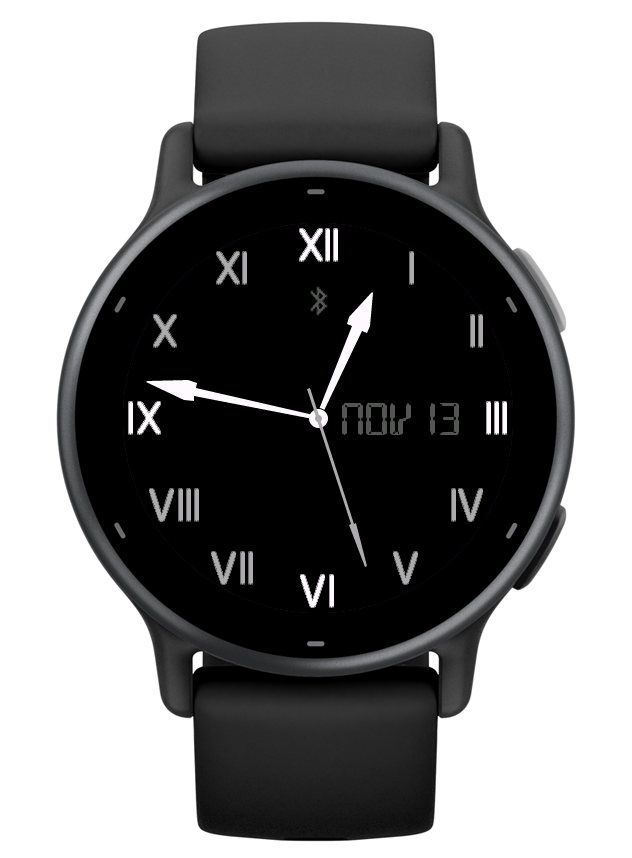
Time Flies version 5.0.0

What’s new

This update brings some significant changes:

• Features aligned on MIP and AMOLED devices

As much as possible, the available options and their behavior are now consistent between all devices regardless of the display technology. Most importantly this brings the gesture related functions such as alternate DBox or dynamic hand style to AMOLED devices (NOTE: it is only applicable if you use the Always On Display).

• 6 configurable layouts defining all visible screen components

It is now possible to quickly change the layout and color theme of your watch face for different occasions. On compatible devices, you can do this very easily without reaching for your phone, by using the watch face ‘Customize’ option on your watch.

The predefined configurations also help you figure out how the available face design options (hands, marks, background, data, etc.) work. All configuration changes are kept but can be reset back to the default if needed.

• 2 more themes

This allows more options to define and switch different color and background themes.

• Data fields Opt1 – Opt4 can be configured as circles

This, together with the changeable DBox position, opens many new ways for creating your favorite watch face style. In addition, in the circle mode you also get a circular data level indicator around the perimeter.

• Alternate time or UTC hand option

If enabled, this extra hand uses ‘Outline’ style if the main hands are ‘Solid’, or ‘Outline’ with a different color when the main hands are shown as ‘Outline’ too. Operates in 12 or 24 hours mode.

• Launching widgets by touch (if supported by the watch)

This works with the Opt 1 – Opt 4 data and the DBox.

If a related widget can be found, it will be launched after a long press. Note that the activation of this feature may depend on your watch system settings and power state.

• DBox can be shown on the right side

Note that it will become visible only when Opt 3 data is set to ‘Off’.

• Date in DBox always in English

DBox uses a custom LCD font which is not suitable for many non-English languages. To avoid unpredictable date appearance in DBox, now the date is always shown in English there, regardless of the system language setting.

• Body battery, stress and temperature graphs

Graph x-axis:

Body battery – 12 hours
Stress – 4 hours
Temperature – 6 hours

• Extended hand width range

This is to help our friends who like to see the hands really FAT!

Updating from an earlier version

Because this update is a big departure from the version 4.x.x, some of the previously defined settings will be lost after the update – hands, marks, gauges, data.

However the unlock key will be kept, unless some unexpected Connect IQ error occurs.

On older devices like fenix 5 or forerunner 245, this update removes the ‘always on’ second hand and makes premium some features that were free before. For those who would rather have it as it was, there is a new app on the store called ‘Time Flies Legacy’. It is an exact copy of Time Flies 4.12.1, completely free. But it will not be updated except for major bug fixes, if any are found. It is available for download here: https://apps.garmin.com/en-US/apps/eddbbfc5-c98c-49dd-b07d-5da8f3605f5b

Time Flies version 4.8.0

New Features

  • Calories options for the side gauges

    Total or Active calories can be selected for the gauges.

    A new option “Calories goal” has been added in the settings to allow declaration of daily total calories goal.

    The goal for active calories is calculated automatically according to your Basal Metabolic Rate estimated from the Garmin User Profile data (age, gender, weight).


  • Two new hand shapes
  • New analog seconds shape
  • Texture option for the background
Texture only
Texture with pattern

There are currently two texture options. Option 1 may work better with circular patterns and Option 2 with rectangular or diagonal patterns.

Texture color is adjustable.

NOTE:

1) These features are only available on the newer devices, and not on the legacy ones (before Connect IQ 3.x)

2) If the option “Anti-alias (if available) / sec hand on gesture only” is present in the settings, it needs to be enabled for the texture to show. Otherwise the texture will not be visible, even if it is selected in the “Texture” field.

Time Flies version 4.6.0


  • The status icons can be individually enabled or hidden

    This feature was only added on devices running CIQ 3.0 or later.

    How it works:

    In the settings there is a new ‘Icons selection’ field. In it, type the letters corresponding to the icons you want to be shown, and delete the letters corresponding to the icons you don’t want to see:

    B – battery icon with numeric charge level shown in %
    b – battery icon without the number
    p – phone connected (Bluetooth icon)
    d – do not disturb
    a – alarm(s) set
    n – notifications
    N – notifications with a number of pending notifications

    Note that the B and N replace the ‘Icons with numbers’ option that now has been removed.

    The order of letters does not affect the order of the icons.

  • Workaround for a watch system issue that might prevent waking up from the night power save mode
PHP Code Snippets Powered By : XYZScripts.com