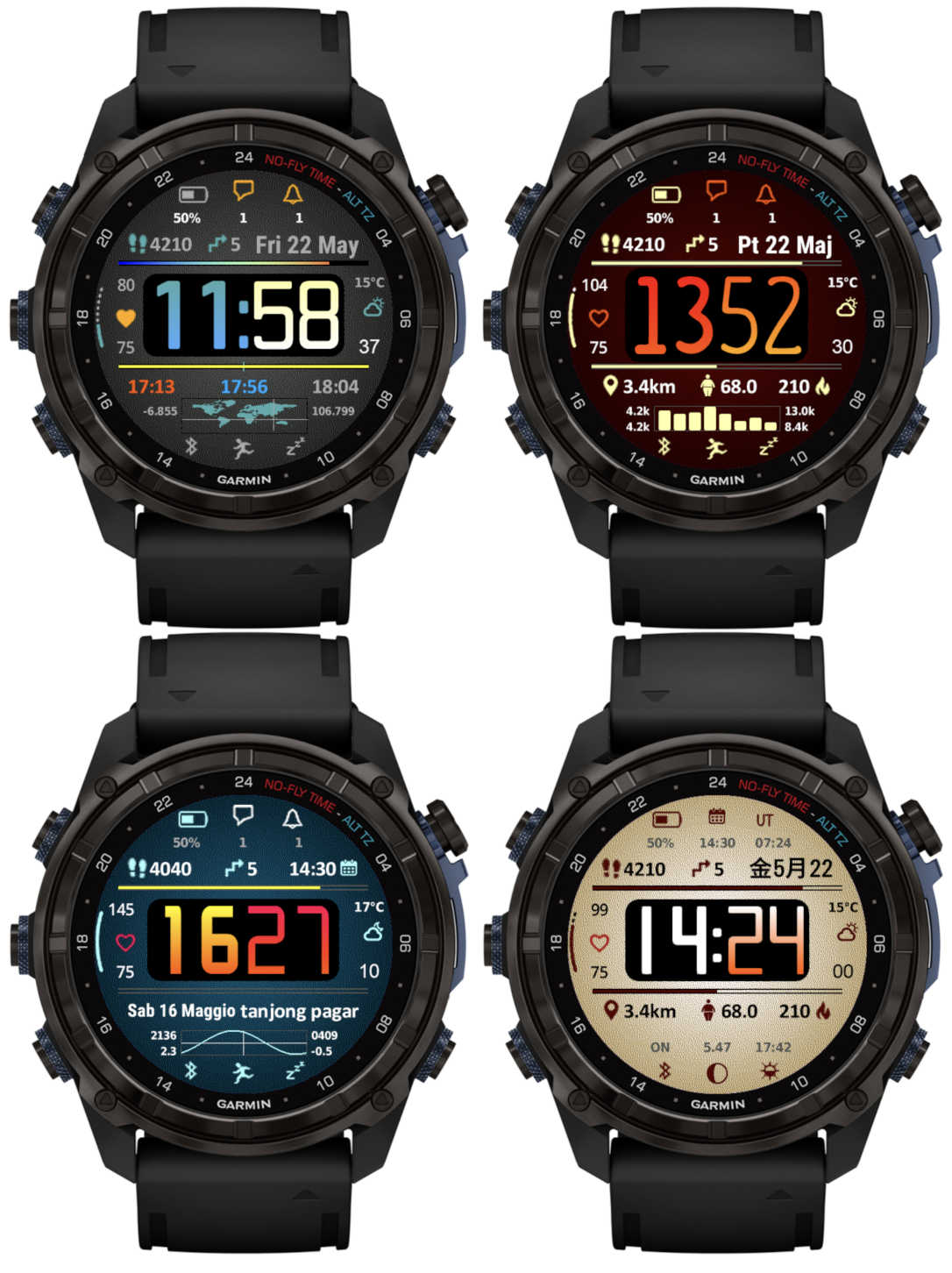
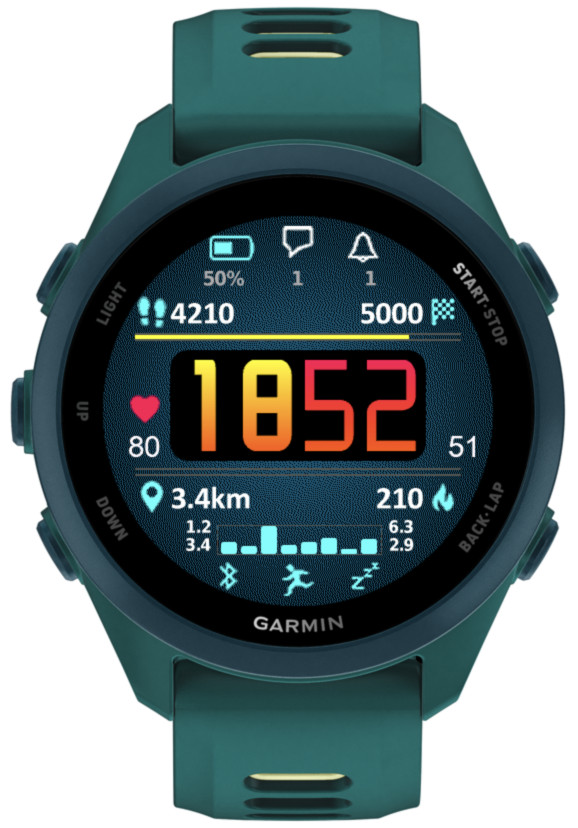
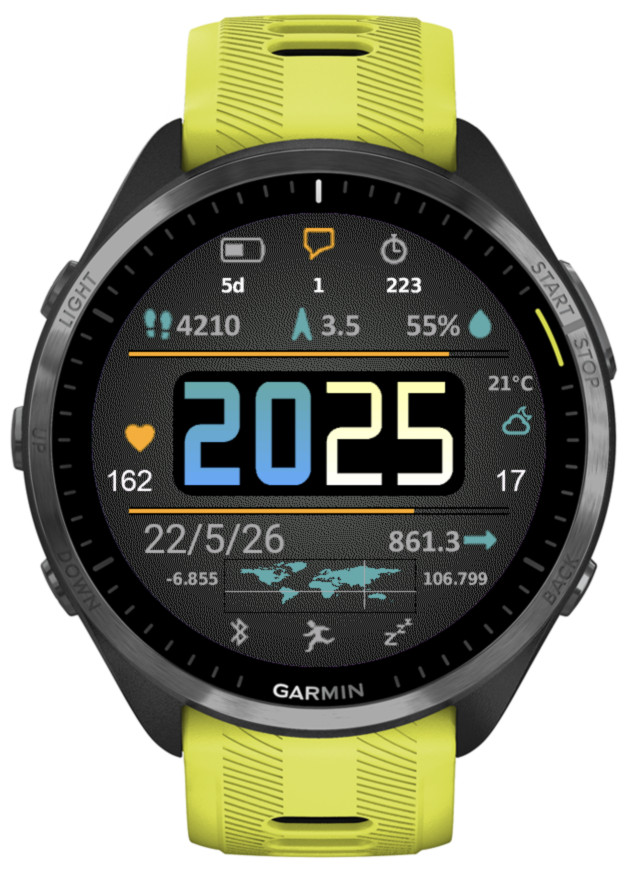
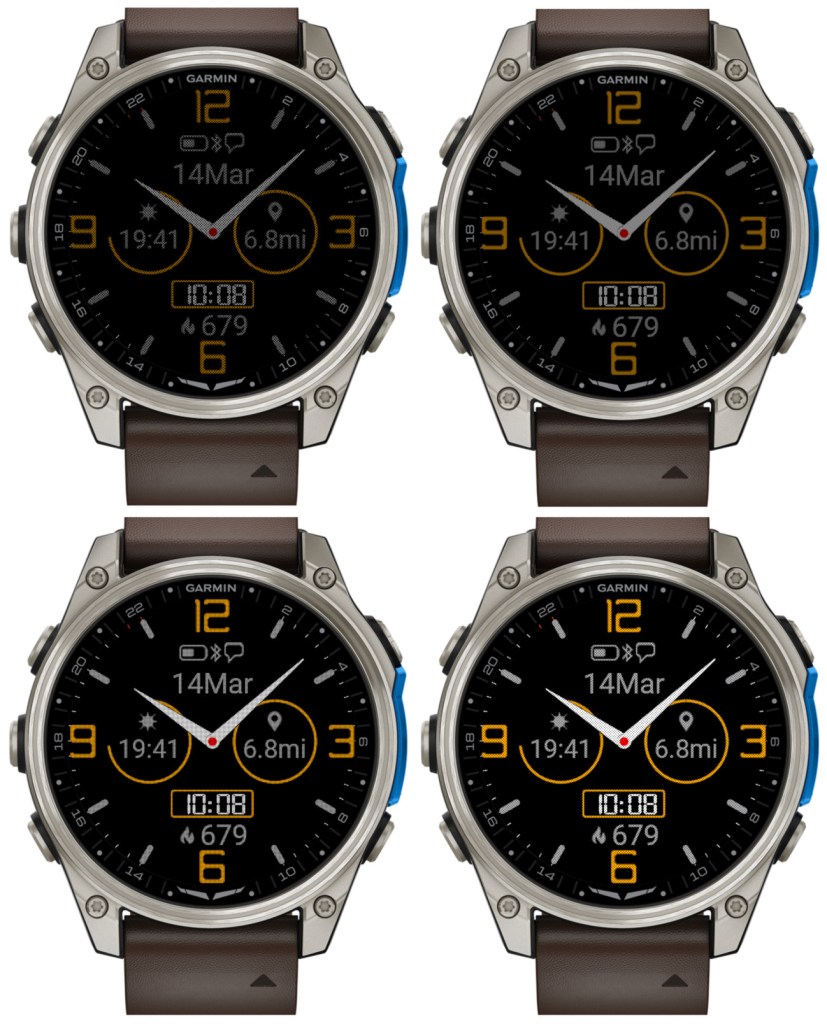
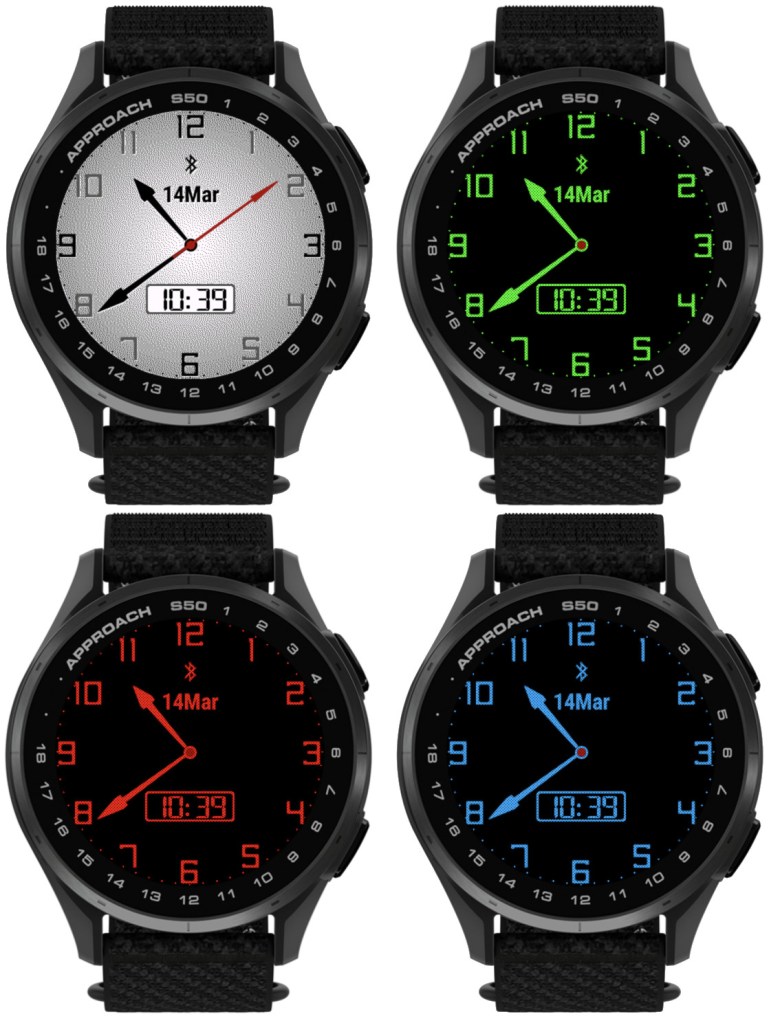
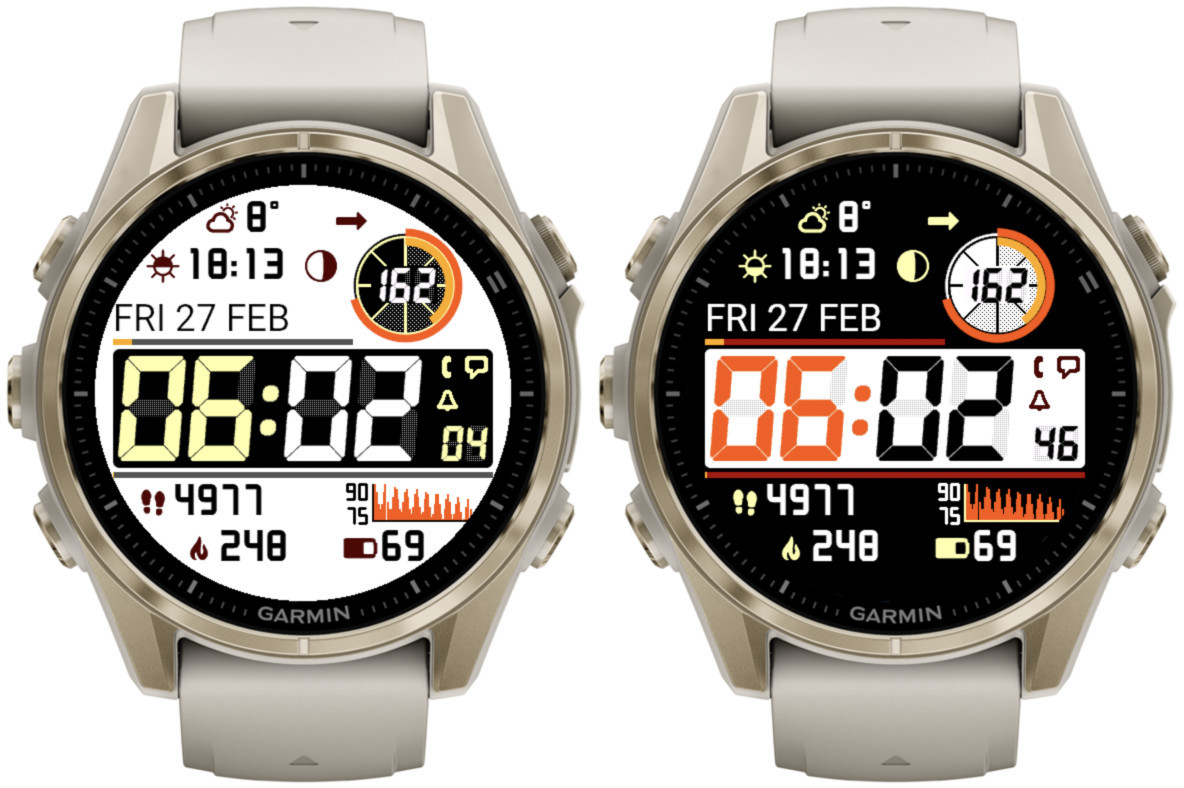
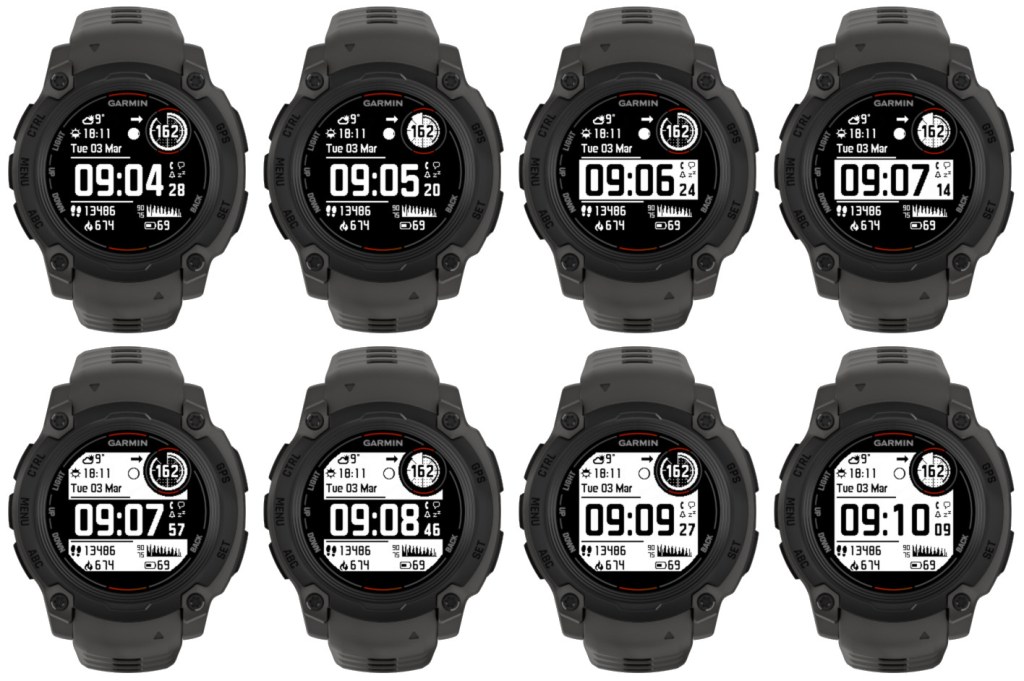
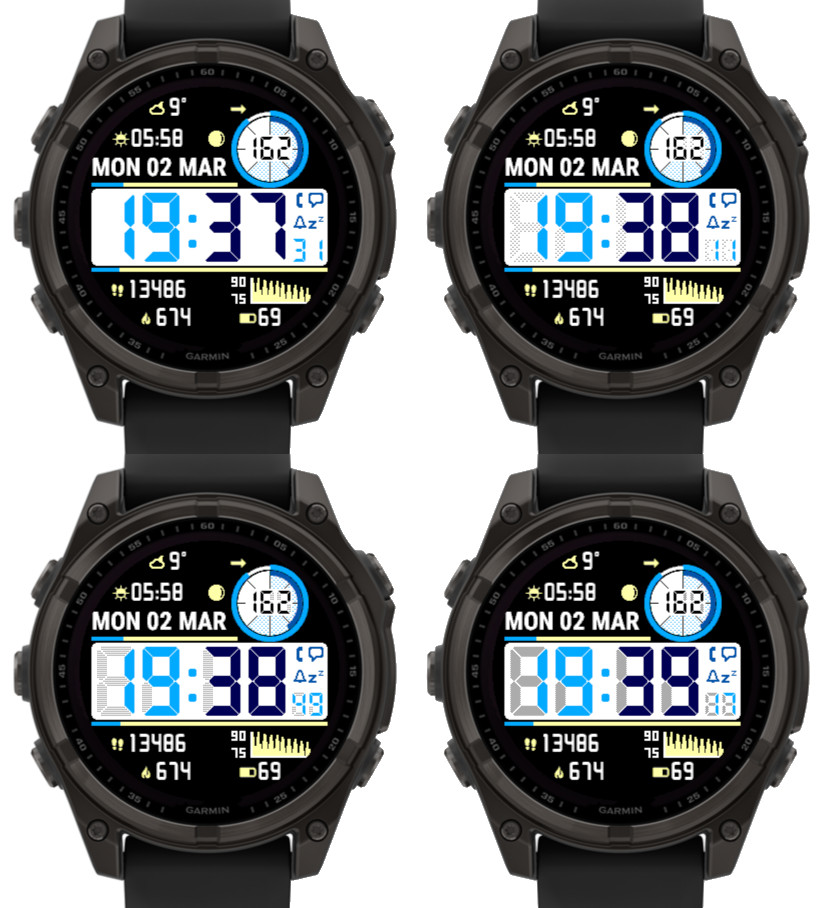
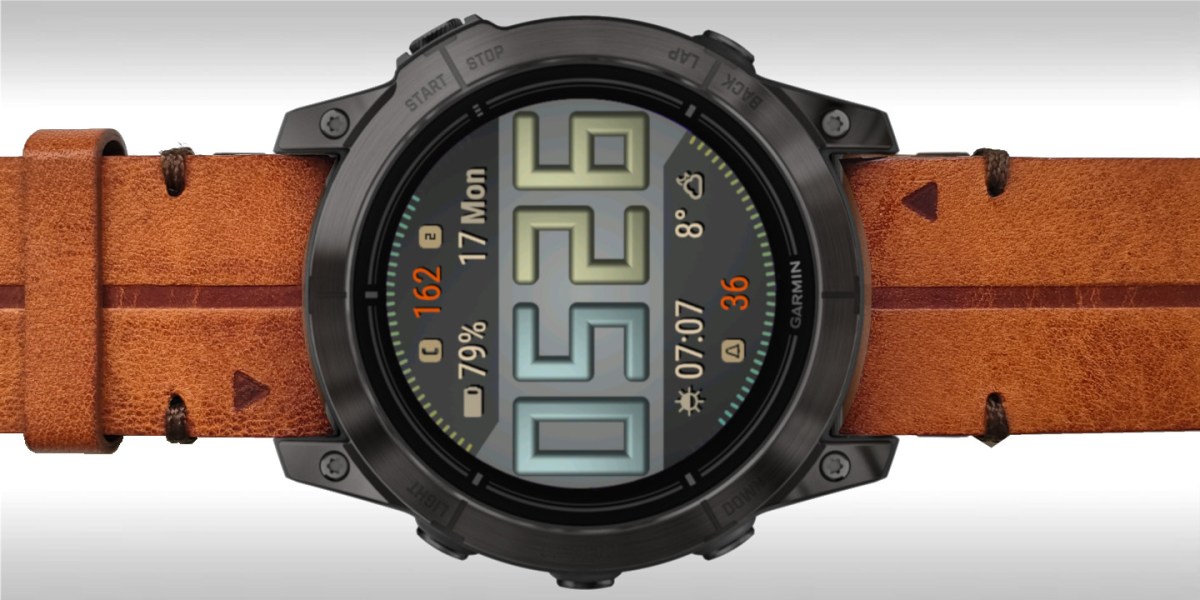
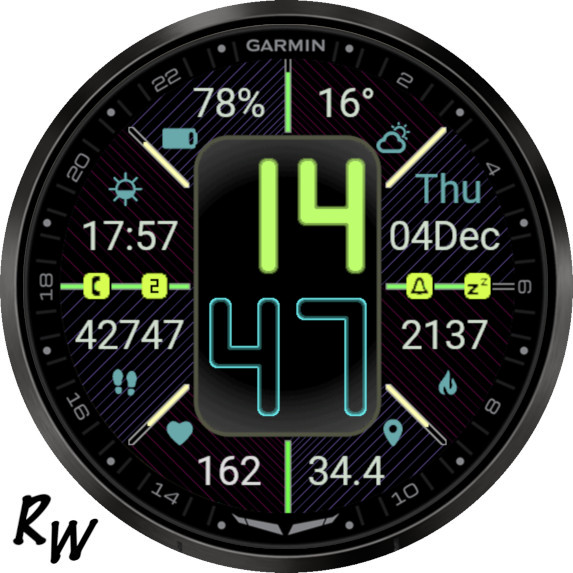
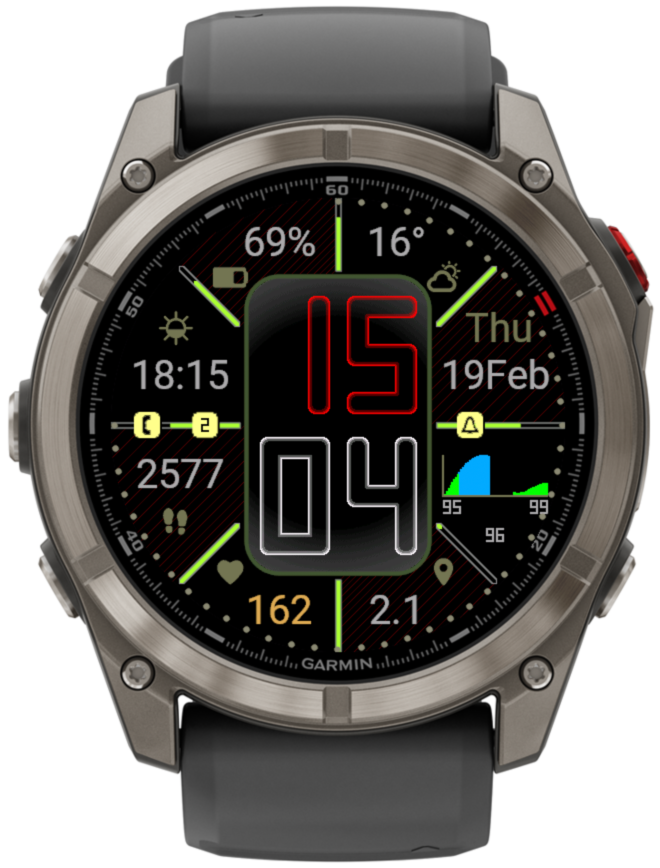
Now it is possible to choose one of the weekly activity graphs:
active minutes
calories
distance
floors climbed
steps/wheelchair pushes
These graphs display bars for 8 days. The first bar on the right corresponds to today, and the first bar on the left corresponds to one week ago.
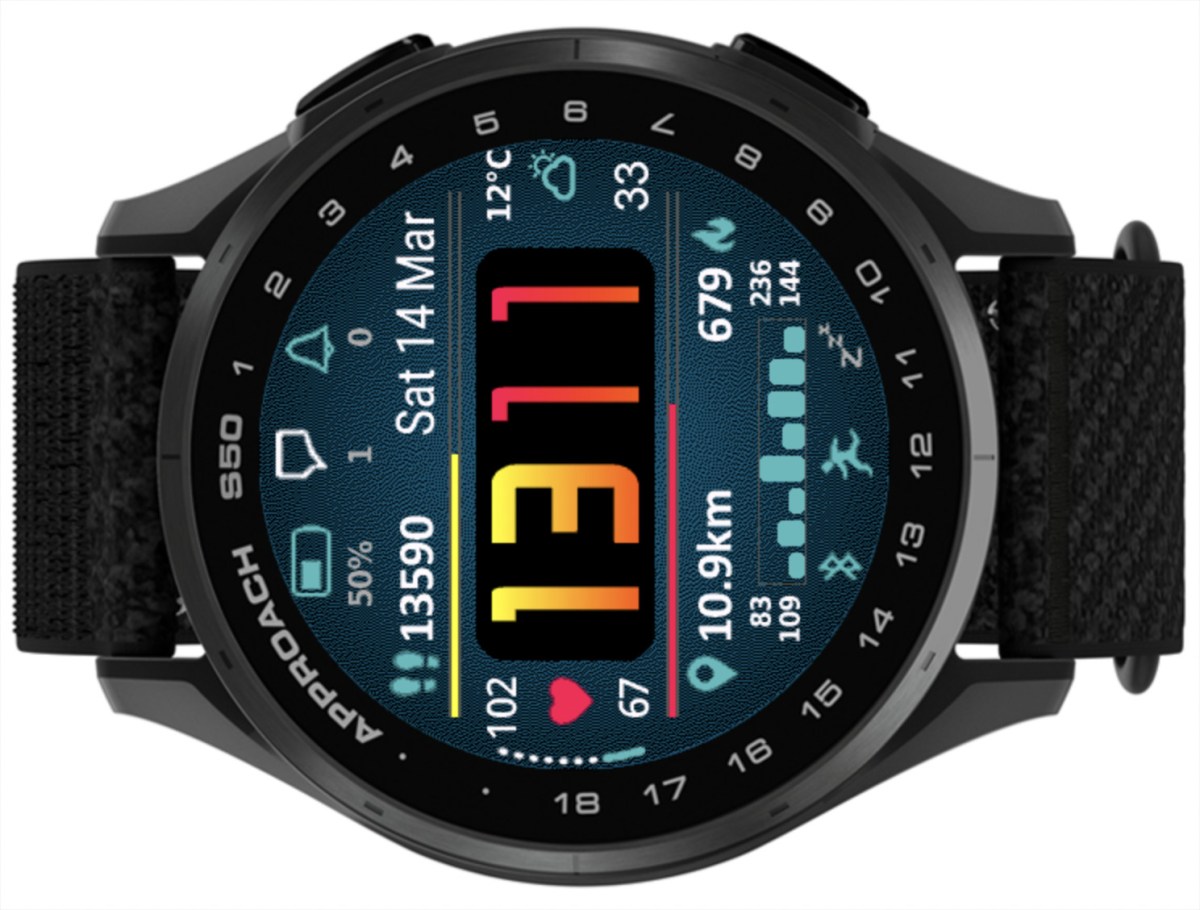
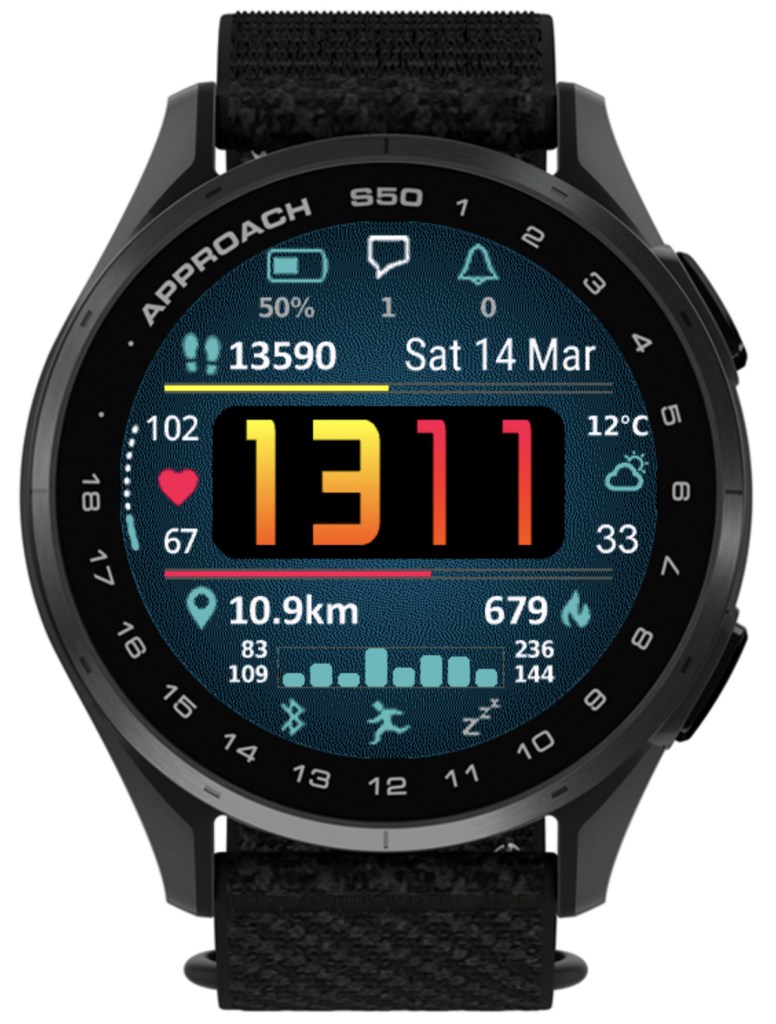
The image below shows distance graph. So the numbers describing the graph are kilometers or miles.
There are 4 numbers shown around the bar graph:
Top left – minimum value recorded in 8 days Top right – maximum value recorded in 8 days Bottom left – current value Bottom right – average value over last 8 days
Another new option is tide information from stormglass.io
For this to work, you must enter in the settings your stormglass.io API key (it is free for the amount of data pulled by this watch face)
It includes these data points:
Next tide (level + time) Second next tide (level + time) Tide station name (if available) Tide graph in Bottom field
There is an option in the settings to specify the coordinates for the tide information (in Decimal Degrees: e.g. -6.600000, 106.800000).
You can also display your current coordinates together with a world map showing where you are
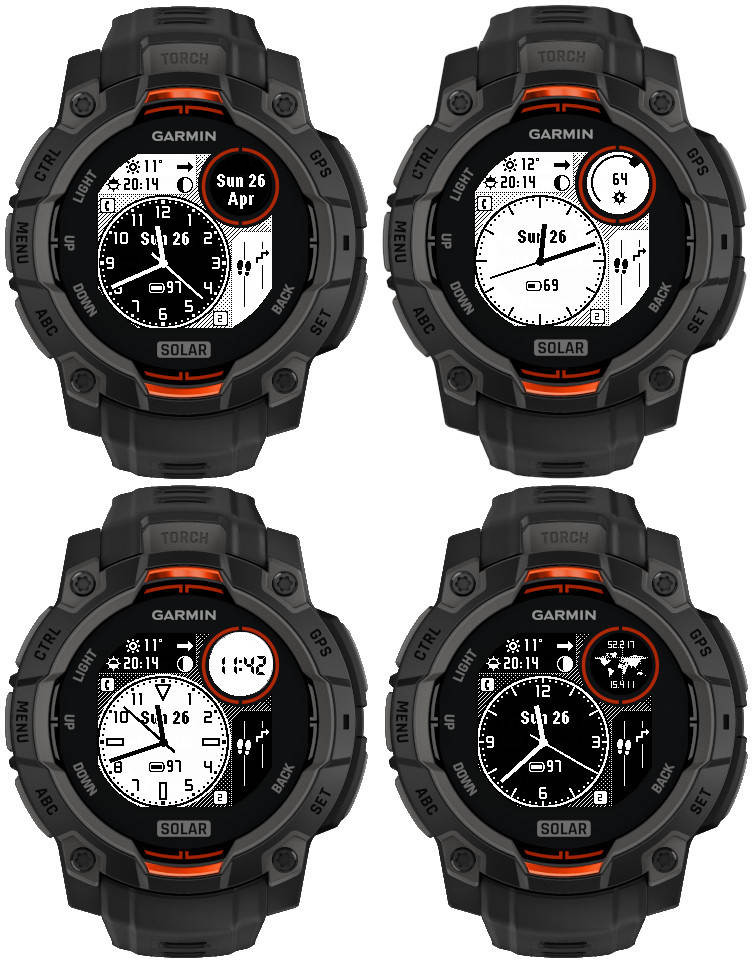
• Additional color mode (white/black)
• 5 new dial styles
• Digital clock
• World coordinates
• Data font updated for better data fit
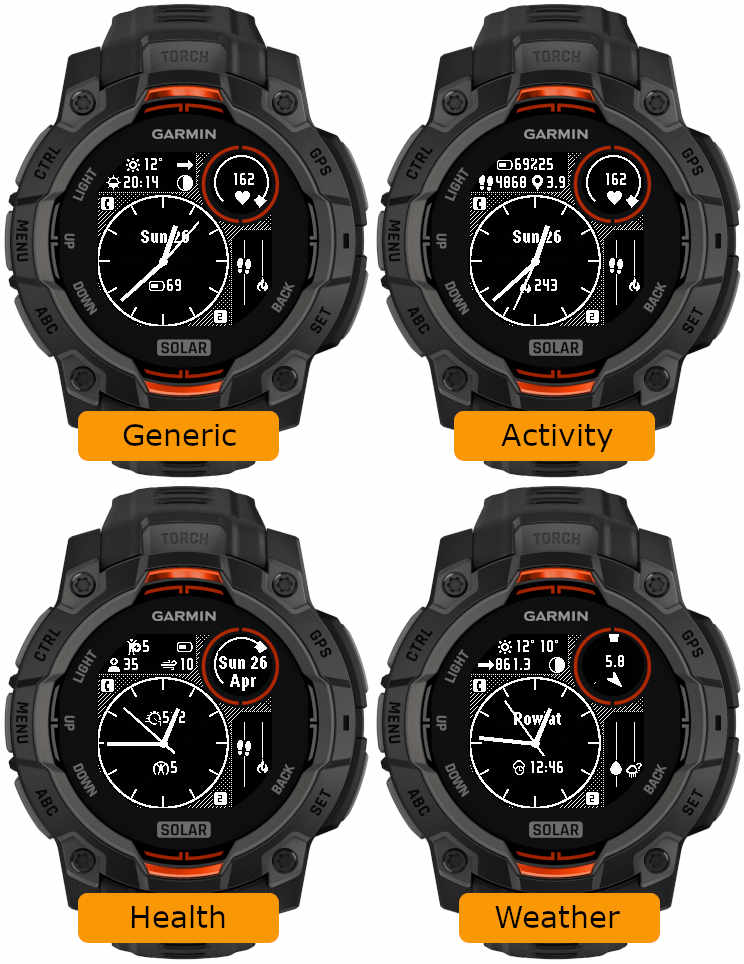
• Pre-defined data sets (generic, activity, health, weather)
What’s new
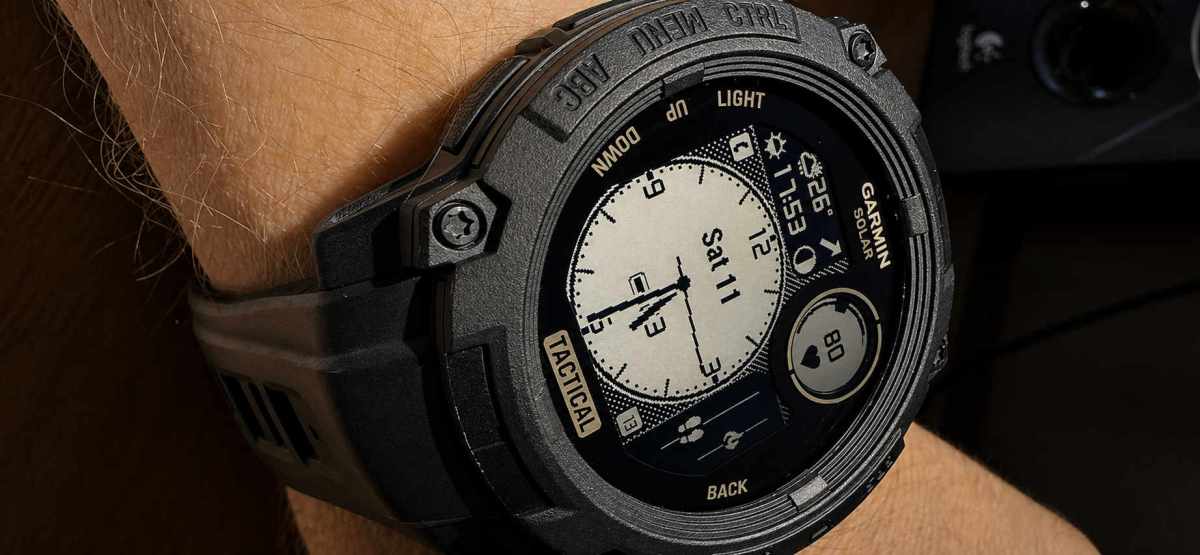
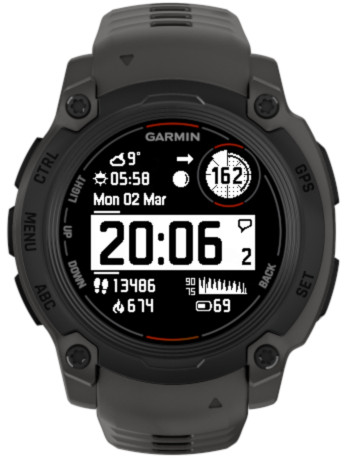
This update focuses on Instinct MIP devices.
The new features include:
• Weather (current + feels like temperature) data option • Additional date component in the circle (by default showing month name) • Additional color mode (white/black) • New dial styles • Digital clock option for Circle number • World coordinates option for Circle number
• Narrower data font • Pre-defined data sets (generic, activity, health, weather)
There are 4 levels now. Level 1 corresponds to the AOD brightness before version 5.10.0. Please note that a higher AOD brightness means a faster battery drain.
• Increased background brightness threshold for switching to monochrome AOD
Since AOD mode has a restriction on screen luminance, it is not reasonable to try to have AOD with background color other than black. Because of this, for the color themes with non-black background elements, Time Flies automatically switches to monochrome AOD. Before version 5.10.0, this was triggered by backgrounds simply being any other than black. In 5.10.0, backgrounds with overall limited luminance are assumed to come with foreground elements that are bright enough to be seen well on a completely black background. So now themes that do not include bright background elements will still be shown in full color in AOD, except the backgrounds of course.
• Option to choose the monochrome AOD color
For color themes with bright background, when the switch to the monochrome AOD occurs, it is now possible to choose what single color this AOD should be in.
There is a new dedicated field for this in the settings: ‘Inverted AOD color’, which accepts the same color definitions as the custom color fields (color map entry or RGB).
• Custom colors can be entered as RGB
Before 5.10.0, each of the 4 custom colors could be defined as a number entry in the color map, ranging from 0 (black) to 63 (white). Now it is also possible to define the custom colors as 6 digit RGB values ranging from 000000 (black) to ffffff (white).
Notes:
1) All 6 digits including leading zeros need to be entered for this to work
2) While the RGB color entry works on MIP devices, it will not make any difference compared to the color map entry, since MIP devices support only up to 64 colors anyway, and any RGB entry will be mapped by the watch to the nearest supported color.
• Separate options for battery % and battery % + days
Before 5.10.0, there was only ‘Battery %’ option for the data fields and DBox. In the four Opt data fields it would display battery level in % with the battery days estimation appended after the % sign (if supported by the watch). Now, there are two separate options available in the settings: ‘Battery %’ and ‘Battery % + days’.
• Larger AM/PM indicator in DBox
The AM/PM indicator is shown in DBox when the watch operates in 12h time mode. Its size has now been increased so that it is visible better, especially in AOD mode.
Thist post covers features added in releases 4.0.0 and 4.1.0
The availability of the newly added features depends on the device
If you get IQ! after updating, just select this watch face again from the list
What’s new
More background modes
Additional time font – LCD italic
Selected by choosing ‘Opt4’ time font.
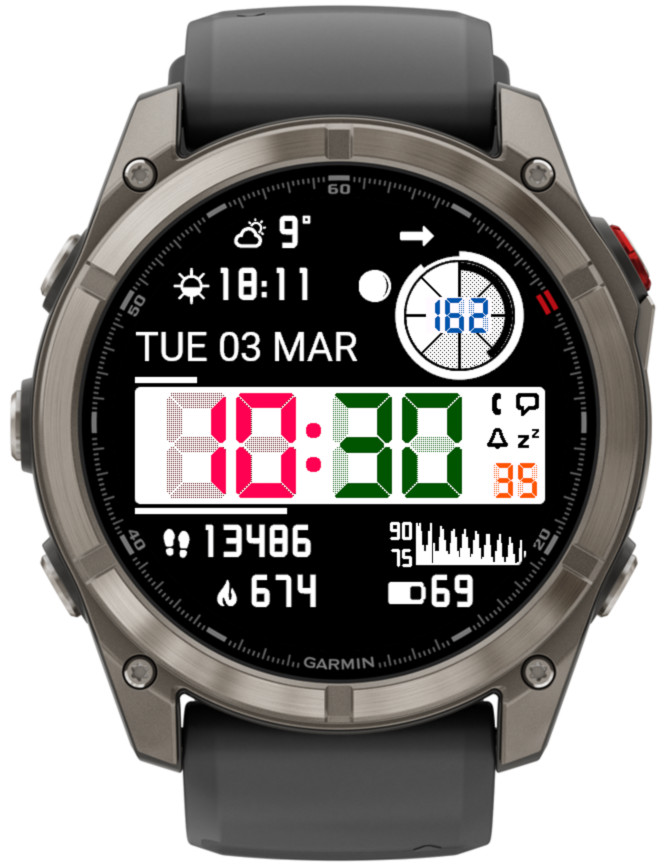
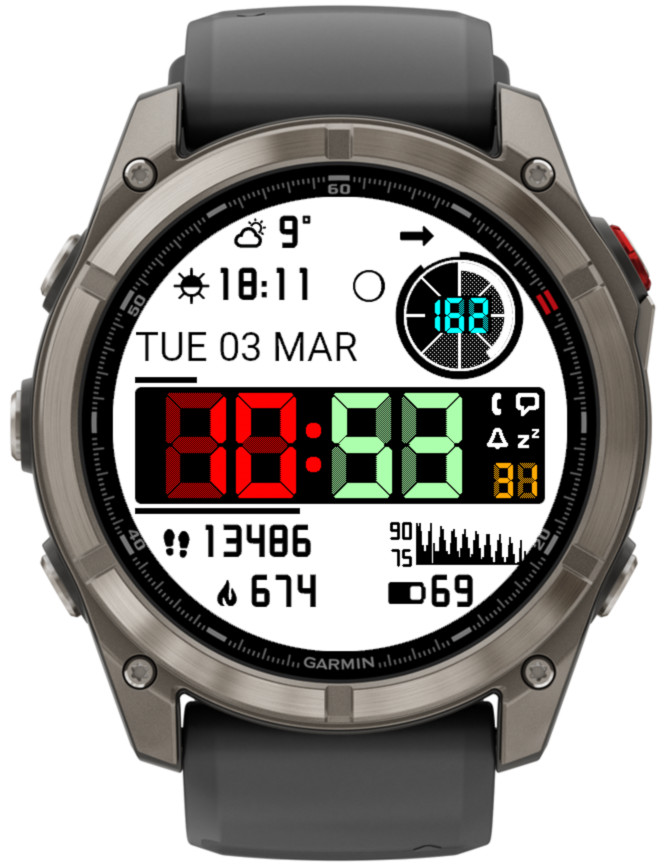
Adjustable LCD font ‘ghost effect’ to mimic vintage LCD screen look
Not available on Instinct 2 family. On Instinct 3 it applies to minutes and hours, on other devices also to seconds and ‘Circle number 1’.
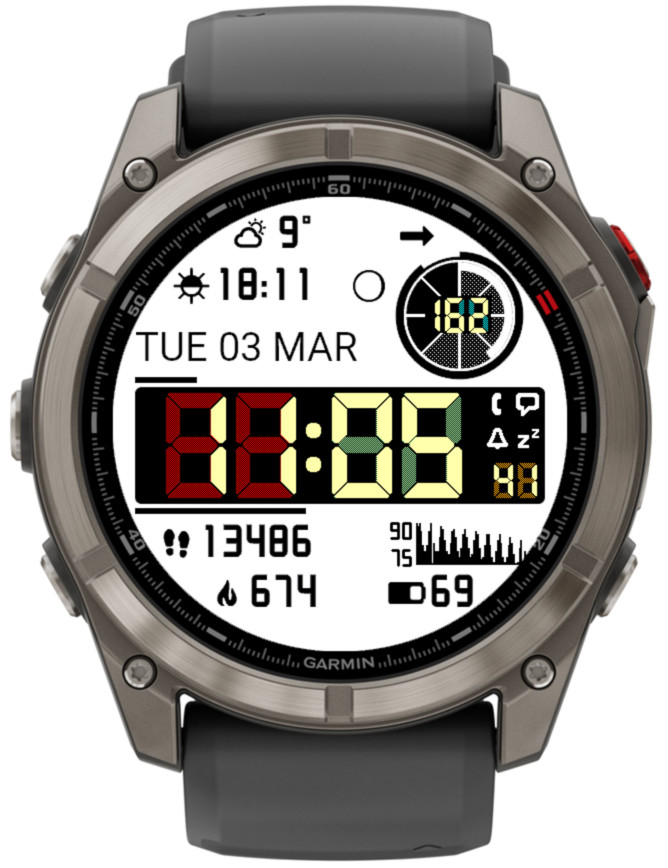
The effect level can be set to Off, Light, Medium, Heavy:
The color of the ghost effect is customizable and for this purpose 8 additional elements in the ‘Color setup’ setting field are recognized (2 for each new element for black and white background). So instead of the default gray, the same or a matching color can be selected for the shadow as for the corresponding element. Or you can try something different: