
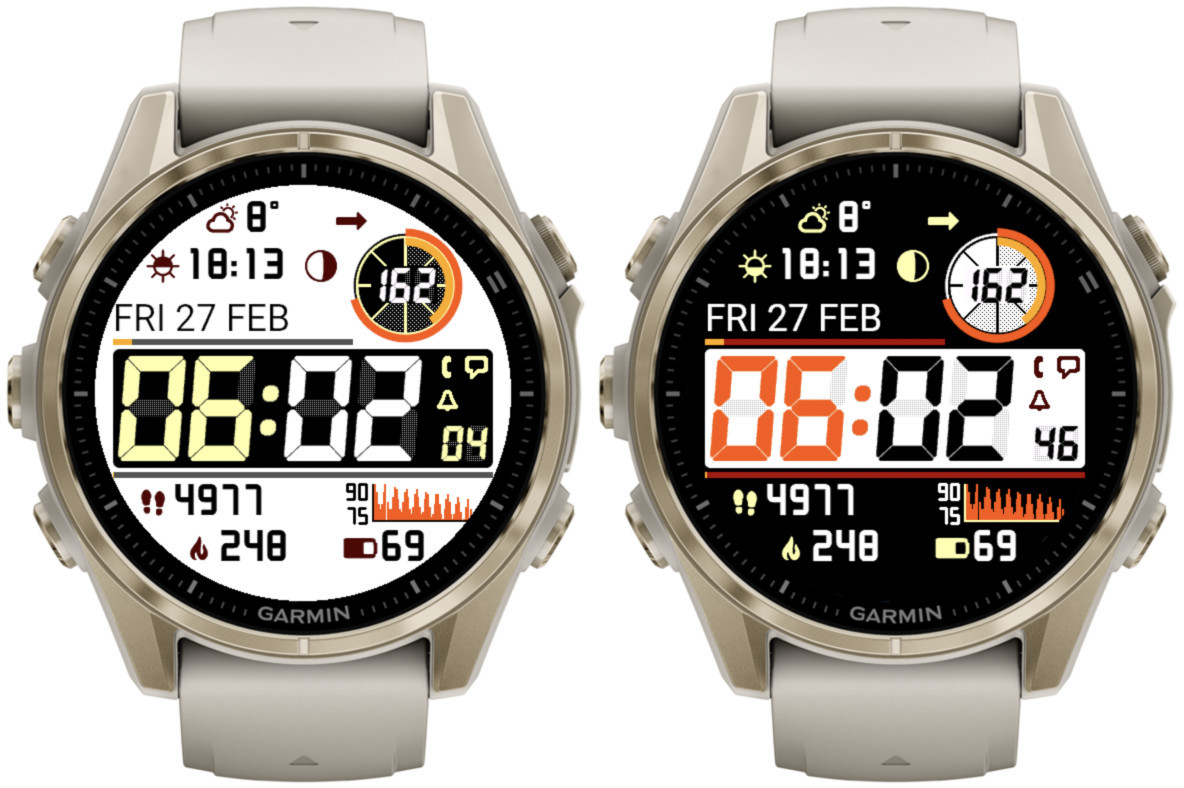
Note
- Thist post covers features added in releases 4.0.0 and 4.1.0
- The availability of the newly added features depends on the device
- If you get IQ! after updating, just select this watch face again from the list
What’s new
- More background modes
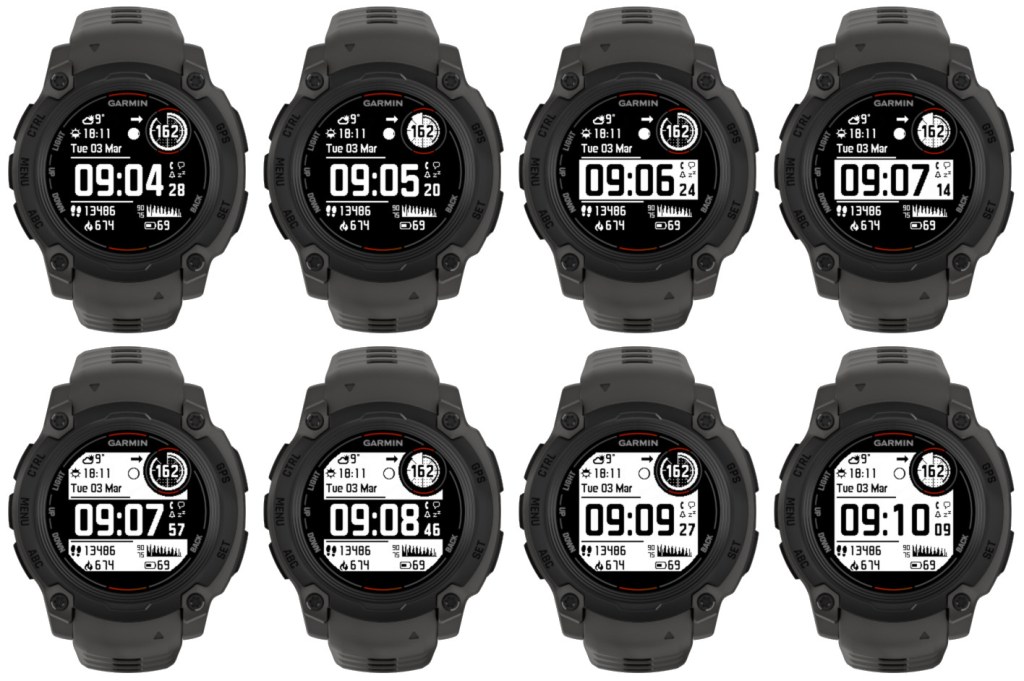
- Additional time font – LCD italic
Selected by choosing ‘Opt4’ time font.
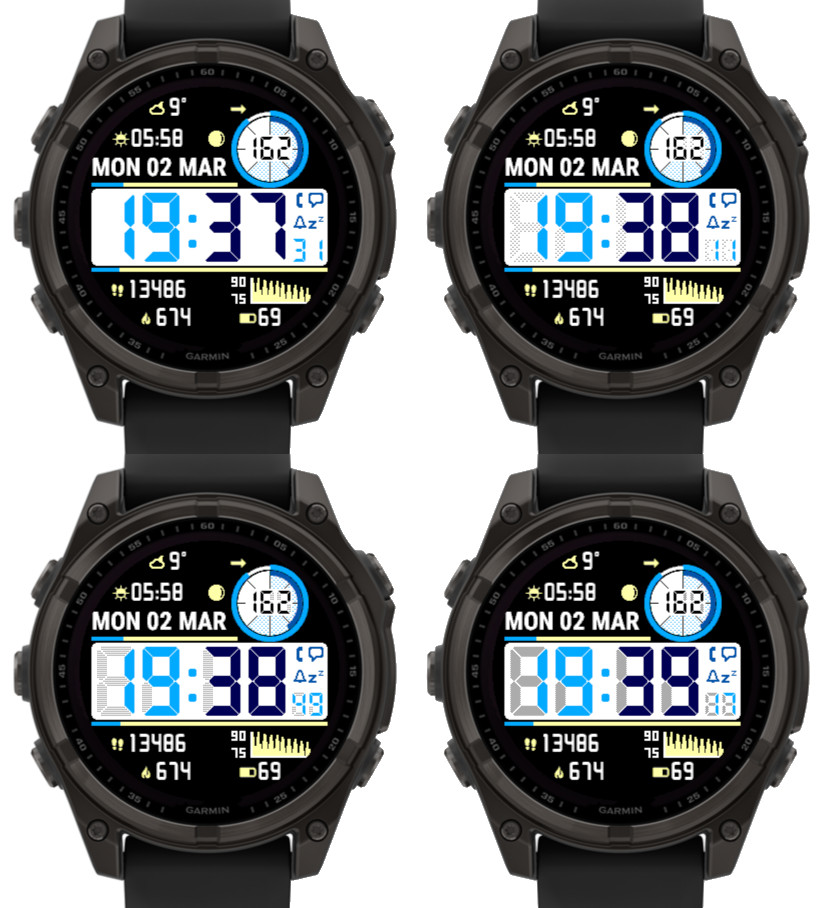
- Adjustable LCD font ‘ghost effect’ to mimic vintage LCD screen look
Not available on Instinct 2 family. On Instinct 3 it applies to minutes and hours, on other devices also to seconds and ‘Circle number 1’.
The effect level can be set to Off, Light, Medium, Heavy:
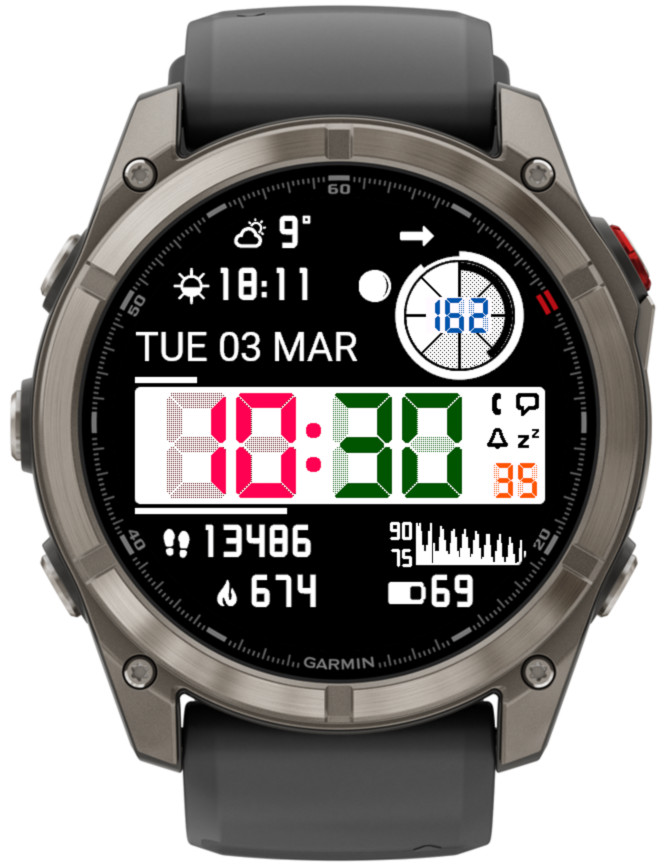
The color of the ghost effect is customizable and for this purpose 8 additional elements in the ‘Color setup’ setting field are recognized (2 for each new element for black and white background). So instead of the default gray, the same or a matching color can be selected for the shadow as for the corresponding element. Or you can try something different:
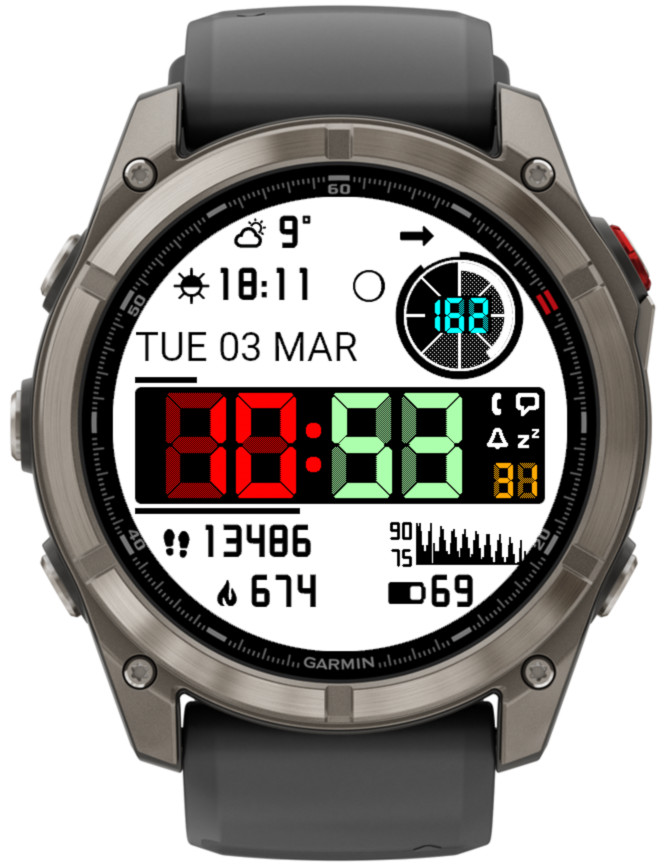
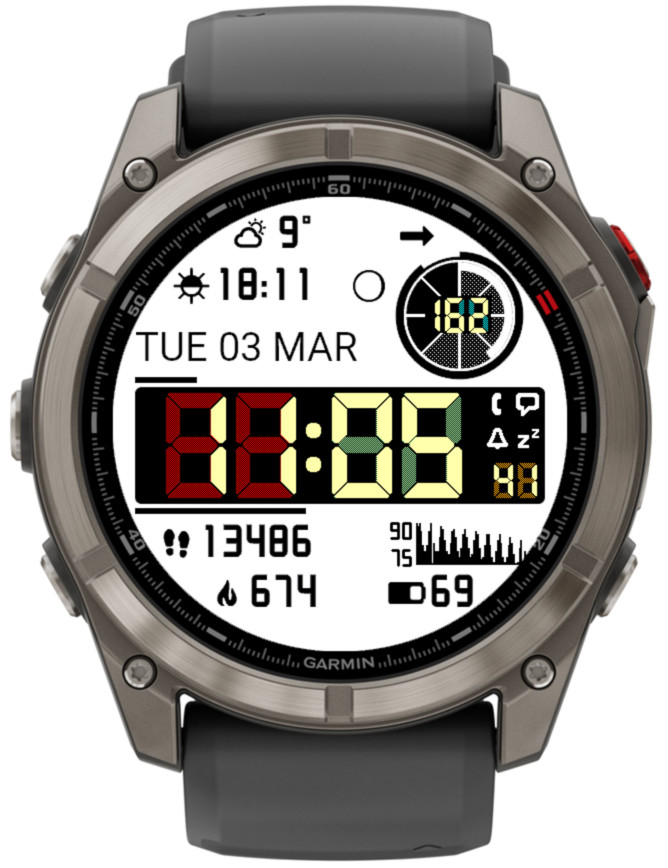
More information on color customization
- Seconds, Data right 2 and Circle number 1 follow the time font
- Weekly run and bike activity distance on Instinct 3 Solar
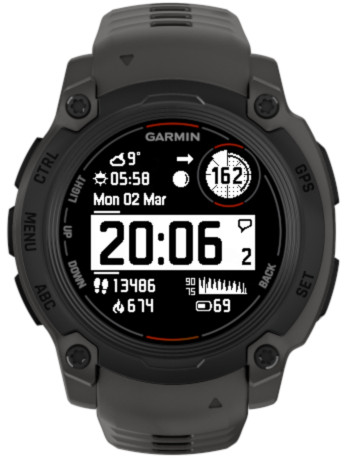
- Data right 1 can display the icon for Data right 2
In the example below, Data right 2 is set to ‘Notifications’.
- Time until sunrise/sunset
Shows countdown (hours: minutes) until the next sunrise or sunset. - Two extra data fields in the bottom part of the screen
This was already available on rectangular devices, now it has been added to round devices as well.

https://reed.works/common-problems/
Hi can anyone help me change the temperature into Celsius rather than Fahrenheit please?
It is explained in the description on the download page.
There is a key on the time how to desactivate it
Thank you! If you don’t see it, that’s probably because your watch does not support it in Connect IQ apps.
Excellent watch face! Only thing I’m missing is a “next calendar event time” data field. Would love to see it in a future update.
Ohh thanks, I got it now:)
Uh oh, do you mean 200 bpm?
Thank you 🙂
Look at the layout https://reed.works/instinct-pro-user-manual/#a_layout and check your settings
Compare this https://reed.works/instinct-pro-user-manual/#a_layout against your settings
Wonderful watch face:)
I would like to know what is the thing in circle background, I see dotted pattern gets updated on right top circle background! And I really don’t know what is it?
In the settings I have set it to default “live HR”
HR in the ring 200% thanks !
What is the bottom right graph for 90 over 75