

What’s new
• AOD brightness levels adjustment
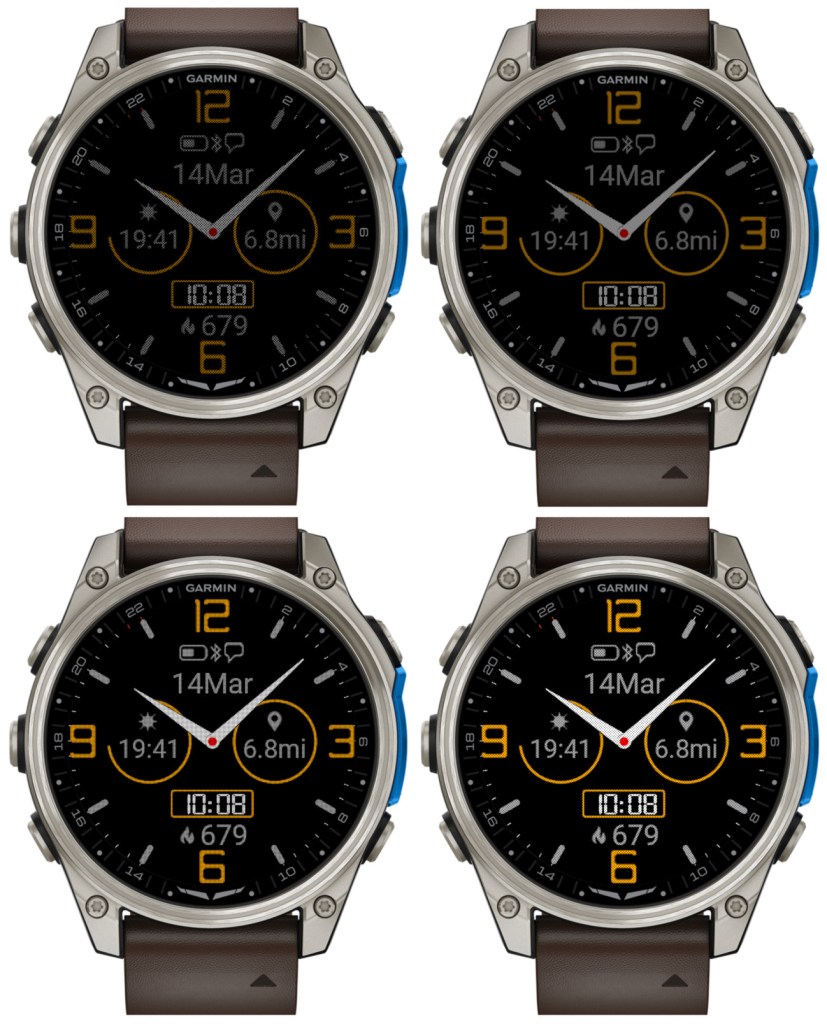
There are 4 levels now. Level 1 corresponds to the AOD brightness before version 5.10.0. Please note that a higher AOD brightness means a faster battery drain.
• Increased background brightness threshold for switching to monochrome AOD
Since AOD mode has a restriction on screen luminance, it is not reasonable to try to have AOD with background color other than black. Because of this, for the color themes with non-black background elements, Time Flies automatically switches to monochrome AOD. Before version 5.10.0, this was triggered by backgrounds simply being any other than black. In 5.10.0, backgrounds with overall limited luminance are assumed to come with foreground elements that are bright enough to be seen well on a completely black background. So now themes that do not include bright background elements will still be shown in full color in AOD, except the backgrounds of course.
• Option to choose the monochrome AOD color
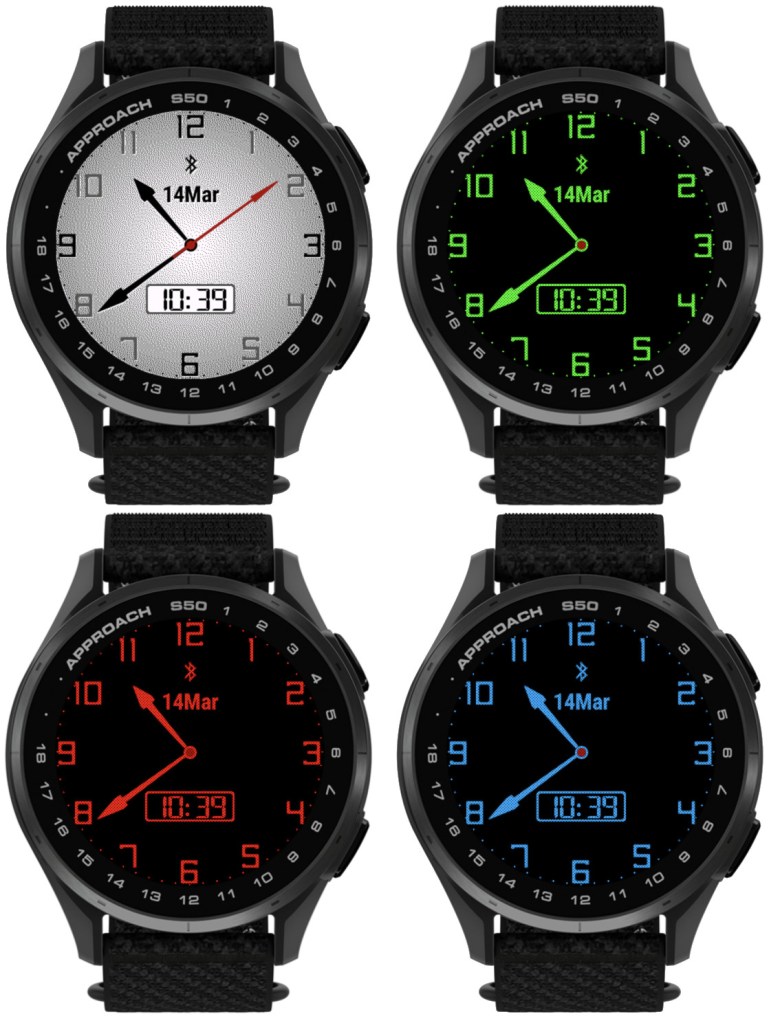
For color themes with bright background, when the switch to the monochrome AOD occurs, it is now possible to choose what single color this AOD should be in.
There is a new dedicated field for this in the settings: ‘Inverted AOD color’, which accepts the same color definitions as the custom color fields (color map entry or RGB).
• Custom colors can be entered as RGB
Before 5.10.0, each of the 4 custom colors could be defined as a number entry in the color map, ranging from 0 (black) to 63 (white). Now it is also possible to define the custom colors as 6 digit RGB values ranging from 000000 (black) to ffffff (white).
Notes:
1) All 6 digits including leading zeros need to be entered for this to work
2) While the RGB color entry works on MIP devices, it will not make any difference compared to the color map entry, since MIP devices support only up to 64 colors anyway, and any RGB entry will be mapped by the watch to the nearest supported color.
• Separate options for battery % and battery % + days
Before 5.10.0, there was only ‘Battery %’ option for the data fields and DBox. In the four Opt data fields it would display battery level in % with the battery days estimation appended after the % sign (if supported by the watch). Now, there are two separate options available in the settings: ‘Battery %’ and ‘Battery % + days’.
• Larger AM/PM indicator in DBox
The AM/PM indicator is shown in DBox when the watch operates in 12h time mode. Its size has now been increased so that it is visible better, especially in AOD mode.
• Support for new devices
Approach® S50
D2™ Mach 2
