
What’s new:
- More weather related data
- wind speed (m/s, kph, mph, knots) and direction
- humidity
- chance of rain
- observation location
- observation time
- All premium features work without an unlock key if the Ukraine color theme is selected

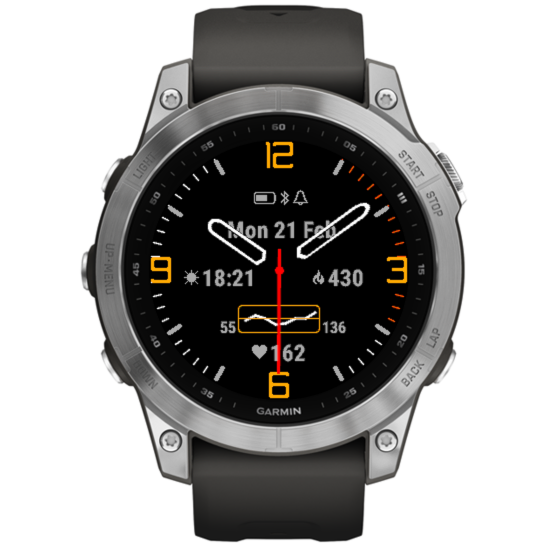

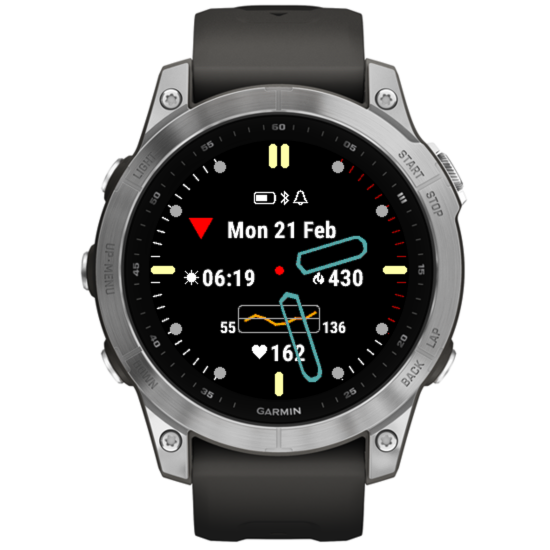


There are currently two texture options. Option 1 may work better with circular patterns and Option 2 with rectangular or diagonal patterns.
Texture color is adjustable.
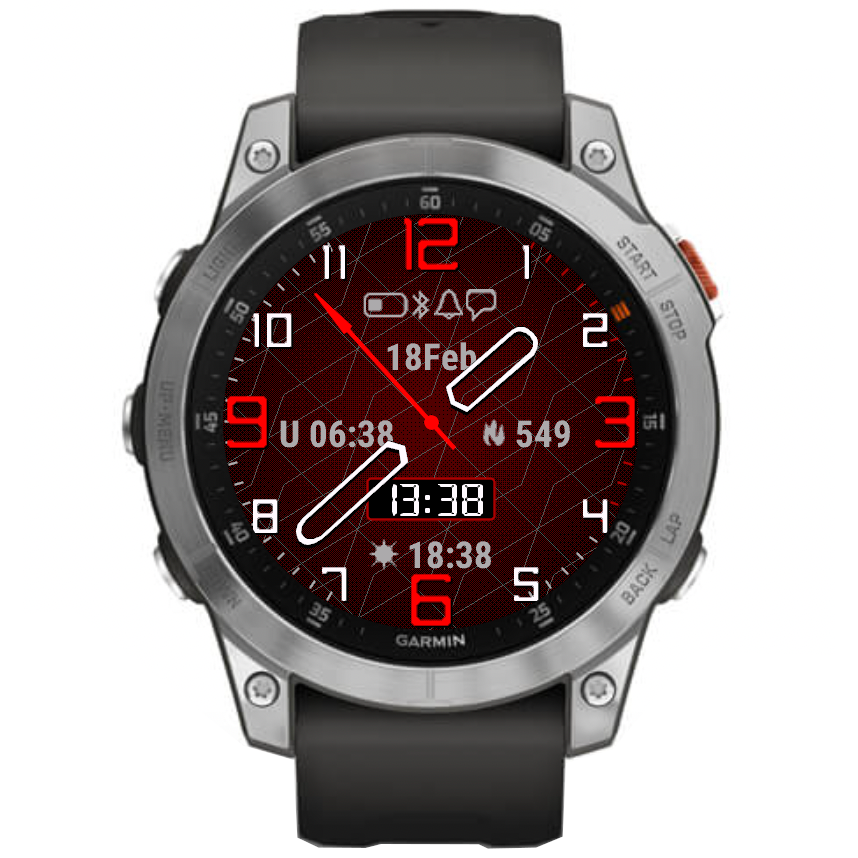
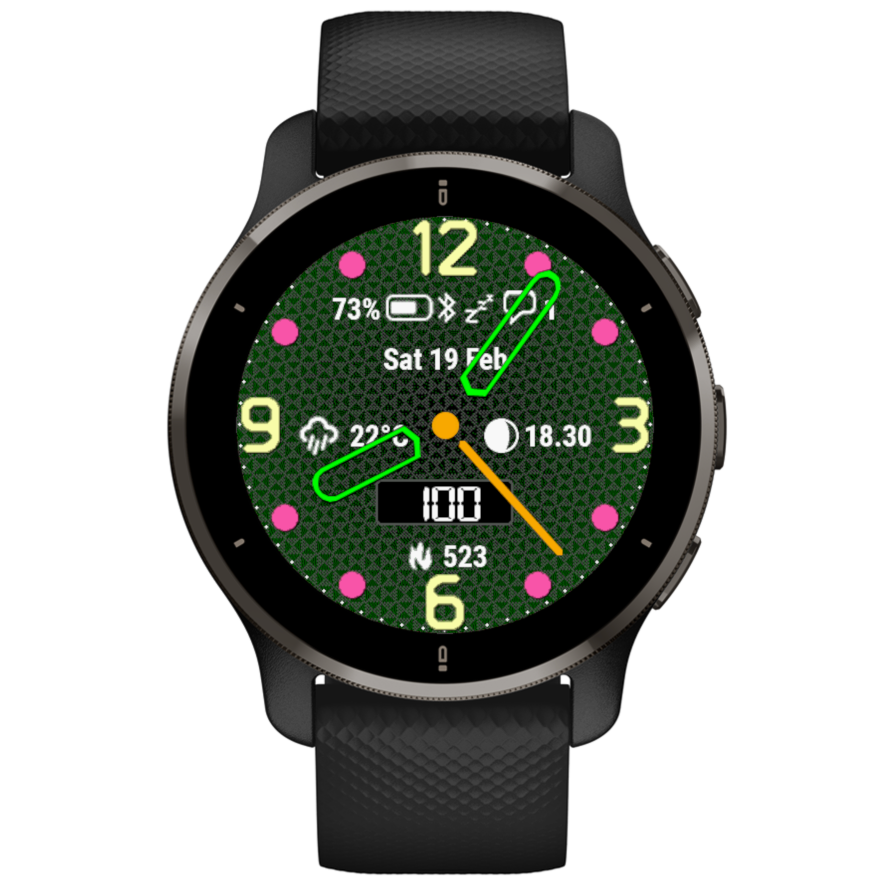
NOTE:
1) These features are only available on the newer devices, and not on the legacy ones (before Connect IQ 3.x)
2) If the option “Anti-alias (if available) / sec hand on gesture only” is present in the settings, it needs to be enabled for the texture to show. Otherwise the texture will not be visible, even if it is selected in the “Texture” field.
There are two graph options:
1) HR graph
Shows the graph with the current HR reading that is updated once a minute (less battery drain).
2) HR graph + live
Shows the graph with the current HR reading that is updated once a minute or every second on gesture (more battery drain).
The graph time span is adjustable between 1 and 4 hours (this setting is only available through the Garmin app).
The graph level adjusts dynamically to the current minimum and maximum recorded over the selected time span, so it is easy to see the variation.
This shows the minimum and maximum HR reading during the graph time span selected.
This shows the average HR value calculated over the graph time span plus the resting HR, which is either a seven day average resting heart rate (on CIQ 3.2.0 or higher), or the resting heart rate available before CIQ 3.2.0.
If a data field is set to ‘Off’, the opposite data field will take the whole width of the screen.

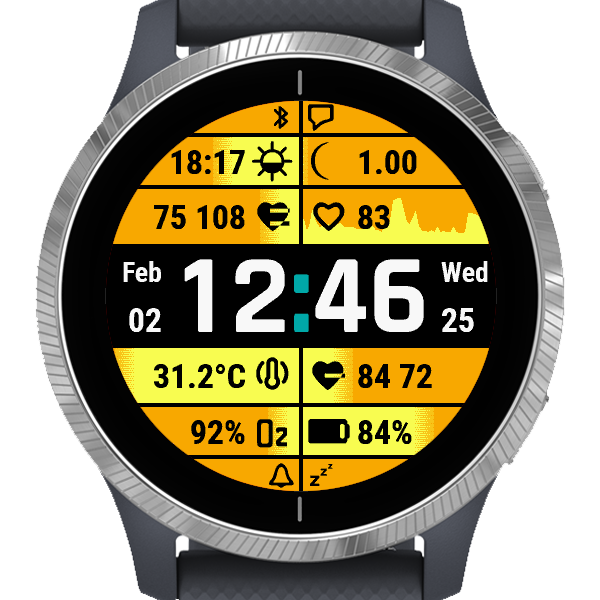
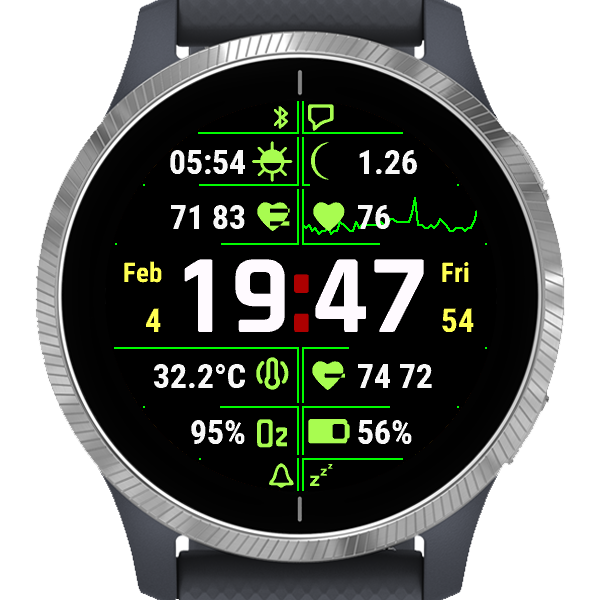
The offset setting is only accessible through Garmin app.
There are 4 options provided, using different Garmin API:
1) raw: Ambient (local) barometric pressure as measured by the internal pressure sensor. The data is the temperature compensated information read directly from the internal sensor.
2) ambient: Ambient (local) barometric pressure as measured by the pressure sensor. The data is smoothed by a two-stage filter to reduce noise and instantaneous variation.
3) sea level: Barometric pressure calibrated to sea level. Since pressure varies dues to several factors, a GPS-based altitude must first be obtained, then the ambient (local) pressure is measured by the pressure sensor before conversion to a calibrated barometric pressure value.
4) history: Pressure read using Sensor History Iterator. Garmin does not seem to specify what kind of reading this is (or I have not managed to find it in the documentation), but based on empirical tests it is likely to produce closest results to Garmin’s barometer widget readings.
The pressure unit setting is only accessible through Garmin app.
What’s new:
Standard move bar grows while you stay inactive and is cleared when you start moving again.
Active bar is the opposite. It is full when you are active and decreases after a period of inactivity.
This option is not available on Venu family.
There seems to be a firmware problem with the watch reporting incorrect wake up time set in Garmin user profile (looks like adding a random number of seconds to the specified time). As a result the waking up from the night power save mode would not work. This workaround may help but it is not guaranteed to wake up from the power save mode at the exact wake time specified in user profile.
Countdown timer entry method changed:
For example, to set the timer at 12 July 2022 12 noon, enter:
2207121200