
Unite 🙂
WTF
Rails version 5.5.0
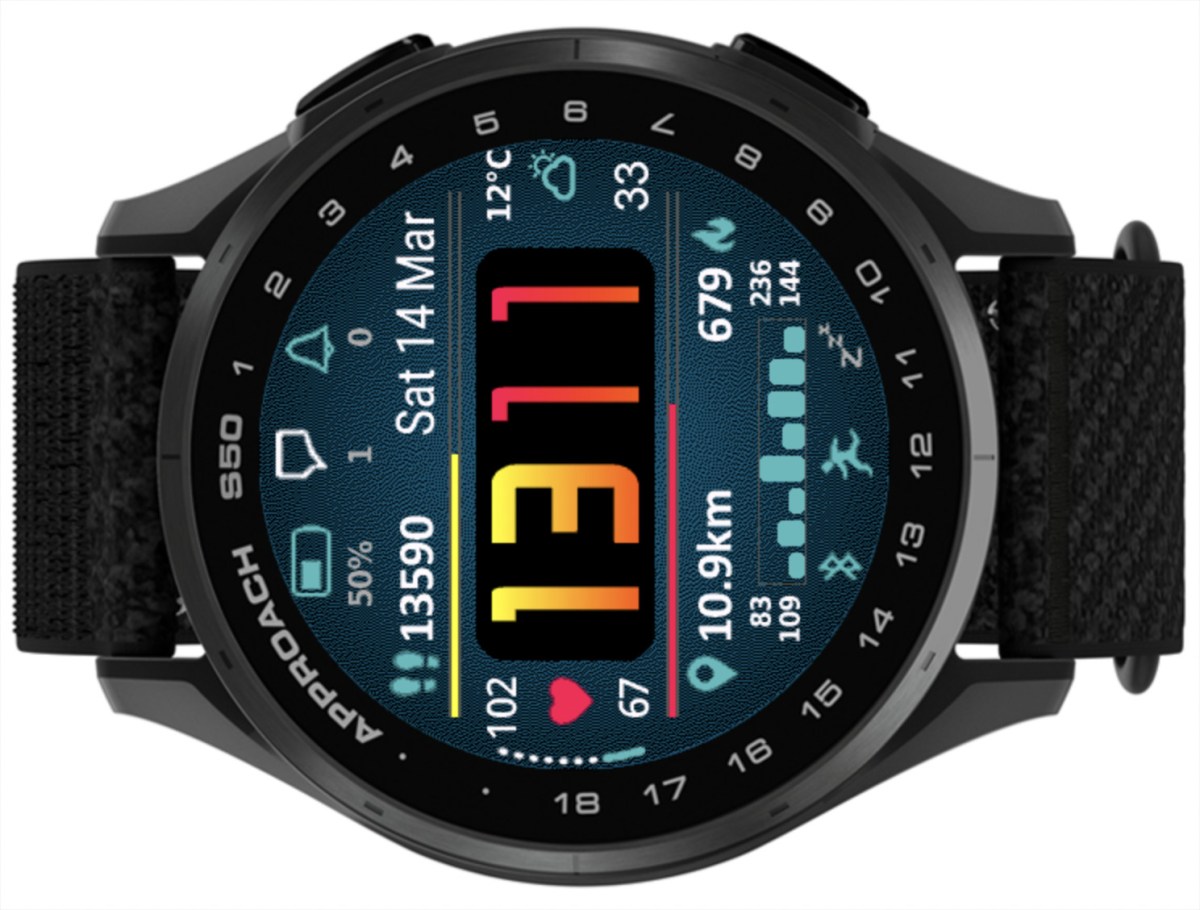
What’s new
Weekly activity graphs
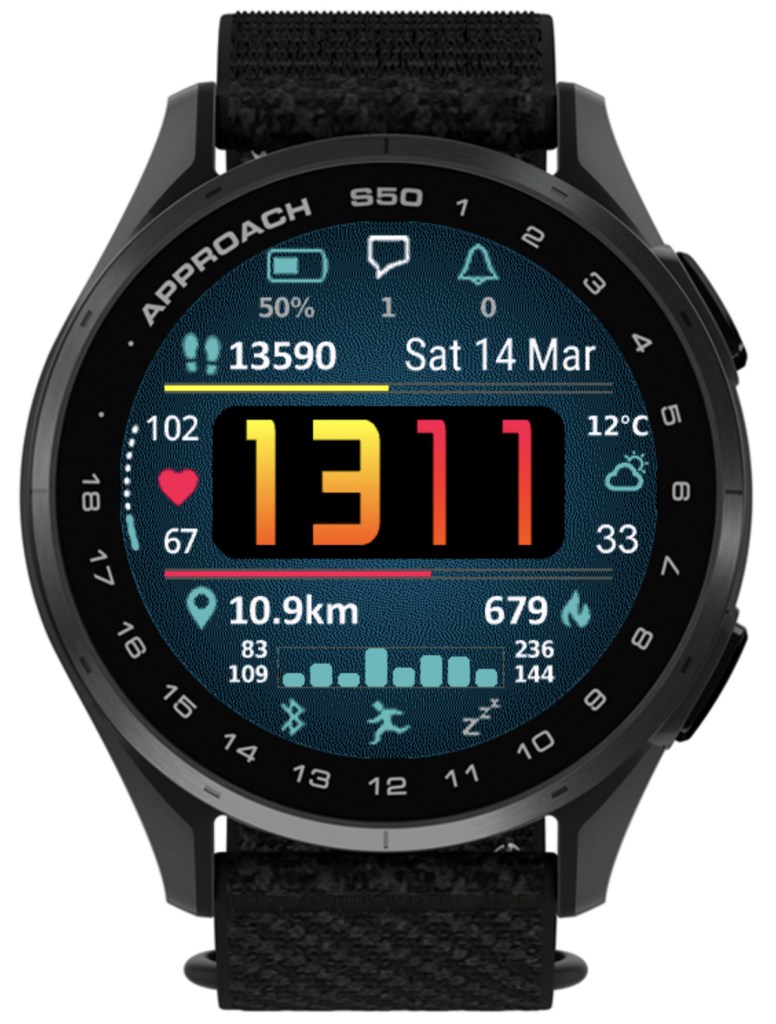
- active minutes
- calories
- distance
- floors climbed
- steps/pushes
NOTE: Some of these options may not be available on your device
Time Flies version 5.10.0

What’s new
• AOD brightness levels adjustment
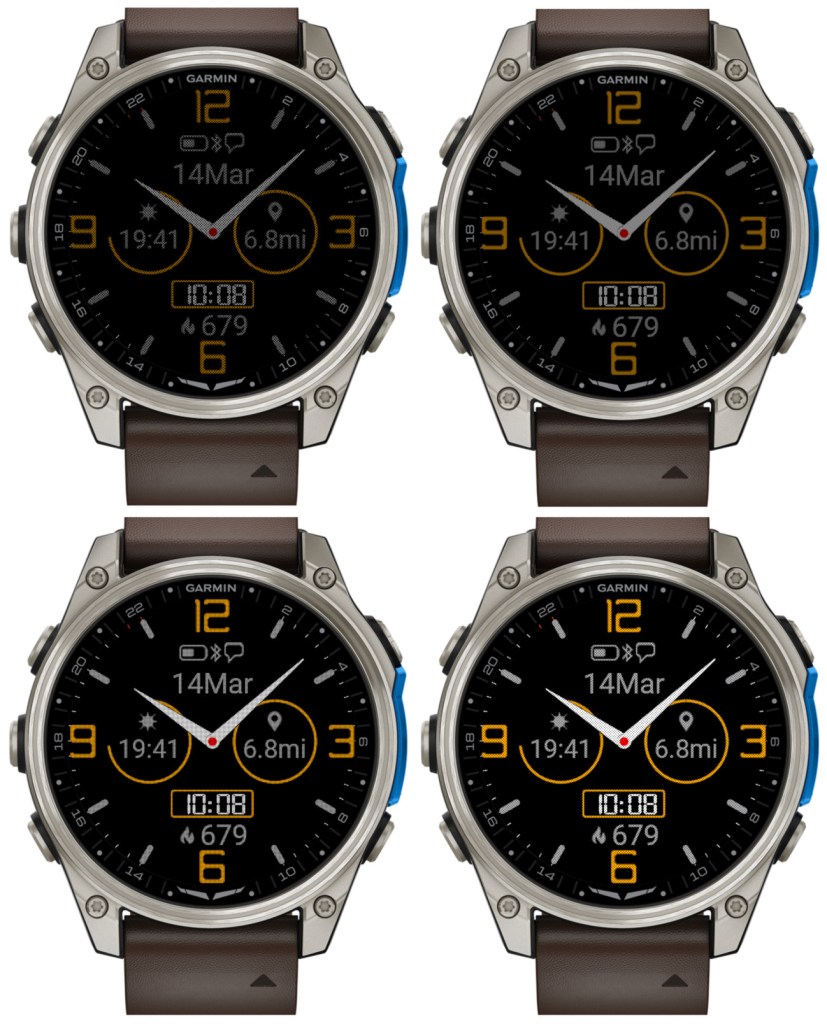
There are 4 levels now. Level 1 corresponds to the AOD brightness before version 5.10.0. Please note that a higher AOD brightness means a faster battery drain.
• Increased background brightness threshold for switching to monochrome AOD
Since AOD mode has a restriction on screen luminance, it is not reasonable to try to have AOD with background color other than black. Because of this, for the color themes with non-black background elements, Time Flies automatically switches to monochrome AOD. Before version 5.10.0, this was triggered by backgrounds simply being any other than black. In 5.10.0, backgrounds with overall limited luminance are assumed to come with foreground elements that are bright enough to be seen well on a completely black background. So now themes that do not include bright background elements will still be shown in full color in AOD, except the backgrounds of course.
• Option to choose the monochrome AOD color
For color themes with bright background, when the switch to the monochrome AOD occurs, it is now possible to choose what single color this AOD should be in.
There is a new dedicated field for this in the settings: ‘Inverted AOD color’, which accepts the same color definitions as the custom color fields (color map entry or RGB).
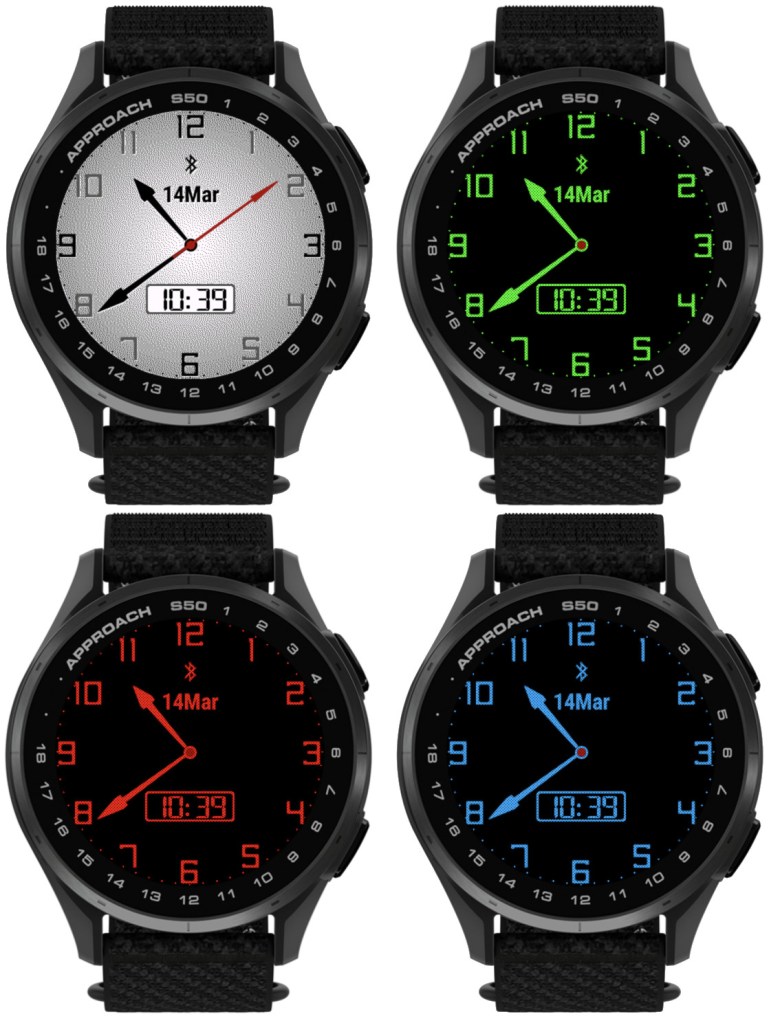
• Custom colors can be entered as RGB
Before 5.10.0, each of the 4 custom colors could be defined as a number entry in the color map, ranging from 0 (black) to 63 (white). Now it is also possible to define the custom colors as 6 digit RGB values ranging from 000000 (black) to ffffff (white).
Notes:
1) All 6 digits including leading zeros need to be entered for this to work
2) While the RGB color entry works on MIP devices, it will not make any difference compared to the color map entry, since MIP devices support only up to 64 colors anyway, and any RGB entry will be mapped by the watch to the nearest supported color.
• Separate options for battery % and battery % + days
Before 5.10.0, there was only ‘Battery %’ option for the data fields and DBox. In the four Opt data fields it would display battery level in % with the battery days estimation appended after the % sign (if supported by the watch). Now, there are two separate options available in the settings: ‘Battery %’ and ‘Battery % + days’.
• Larger AM/PM indicator in DBox
The AM/PM indicator is shown in DBox when the watch operates in 12h time mode. Its size has now been increased so that it is visible better, especially in AOD mode.
• Support for new devices
Approach® S50
D2™ Mach 2
Instinct Pro version 4.1.0
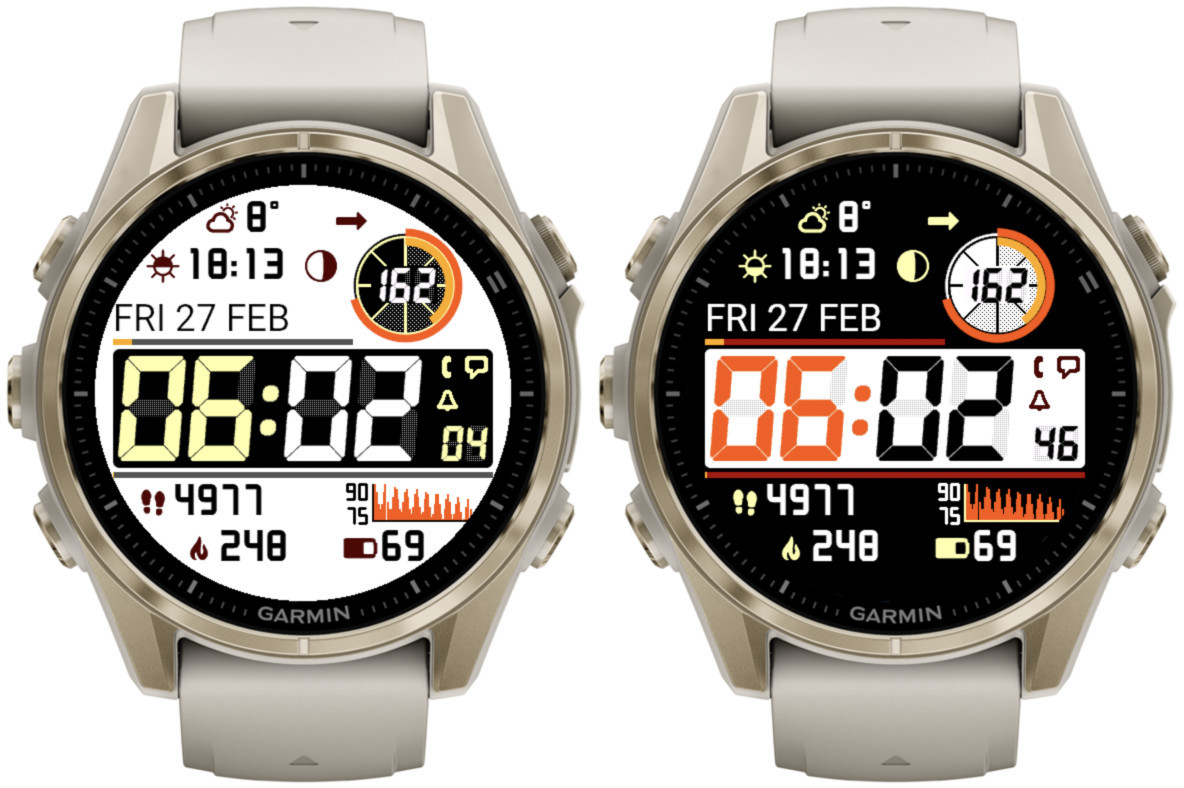
Note
- Thist post covers features added in releases 4.0.0 and 4.1.0
- The availability of the newly added features depends on the device
- If you get IQ! after updating, just select this watch face again from the list
What’s new
- More background modes
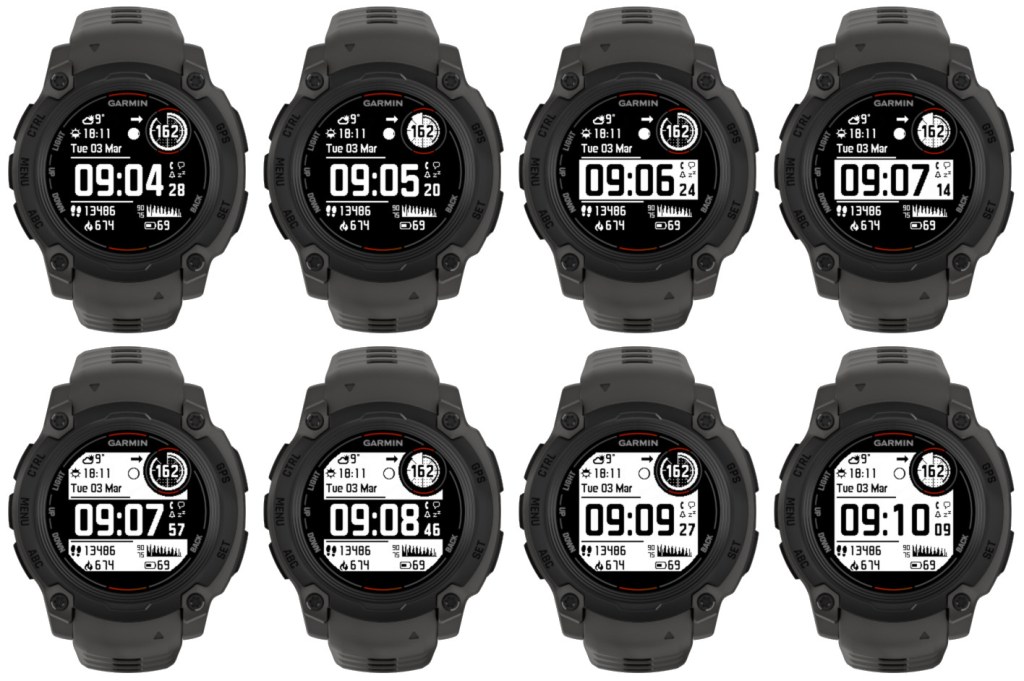
- Additional time font – LCD italic
Selected by choosing ‘Opt4’ time font.
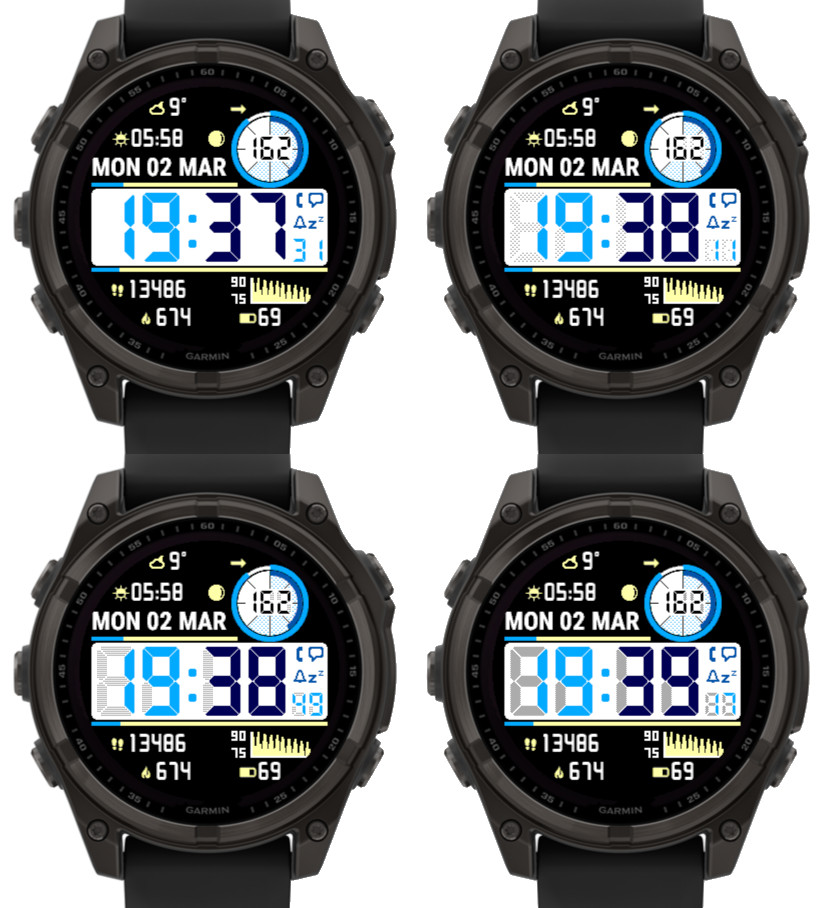
- Adjustable LCD font ‘ghost effect’ to mimic vintage LCD screen look
Not available on Instinct 2 family. On Instinct 3 it applies to minutes and hours, on other devices also to seconds and ‘Circle number 1’.
The effect level can be set to Off, Light, Medium, Heavy:
The color of the ghost effect is customizable and for this purpose 8 additional elements in the ‘Color setup’ setting field are recognized (2 for each new element for black and white background). So instead of the default gray, the same or a matching color can be selected for the shadow as for the corresponding element. Or you can try something different:
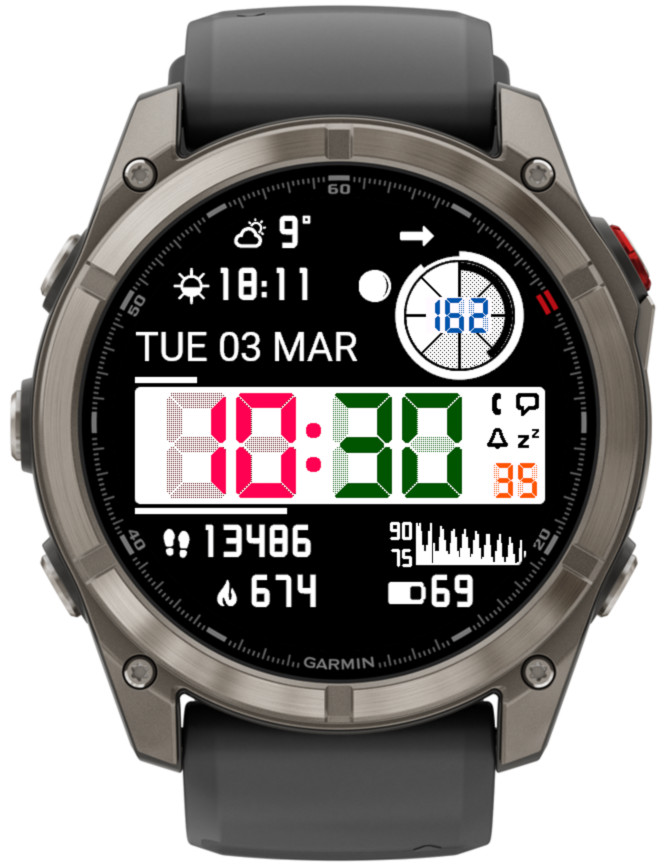
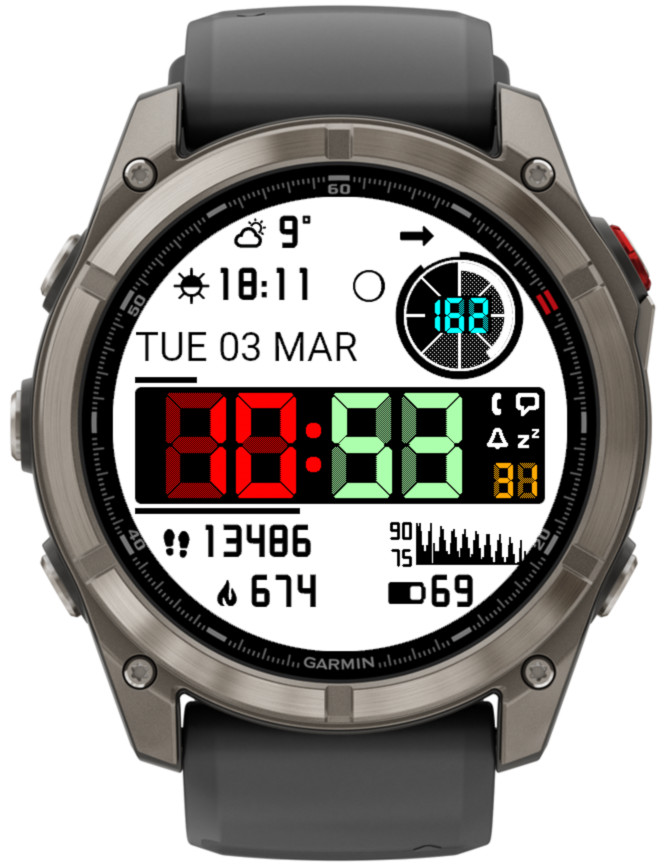
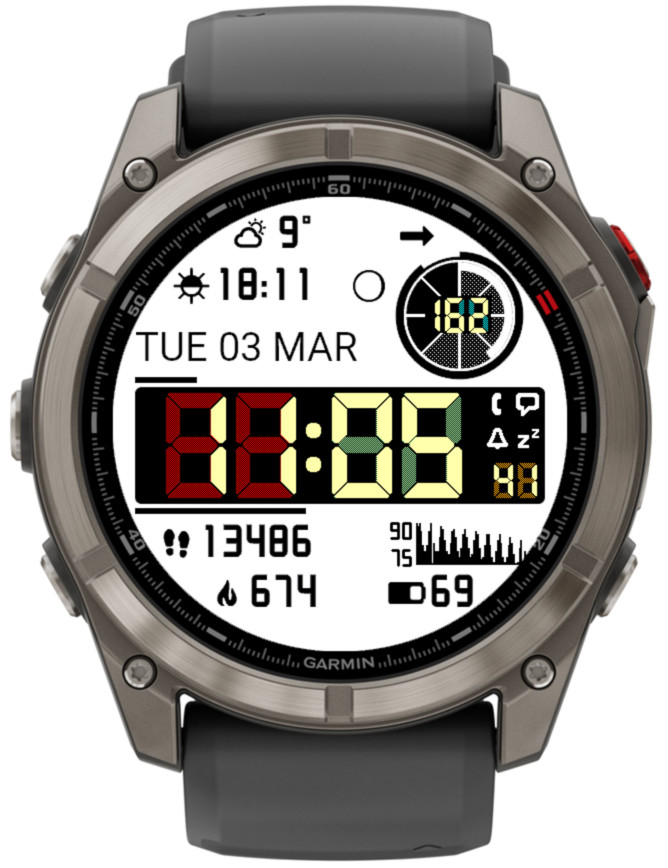
More information on color customization
- Seconds, Data right 2 and Circle number 1 follow the time font
- Weekly run and bike activity distance on Instinct 3 Solar
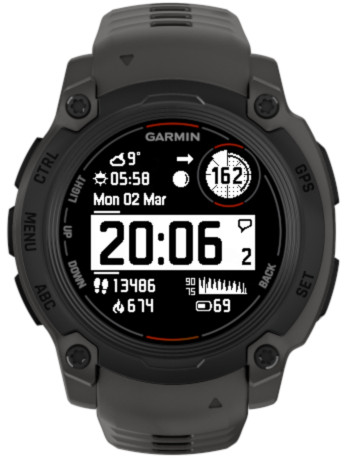
- Data right 1 can display the icon for Data right 2
In the example below, Data right 2 is set to ‘Notifications’.
- Time until sunrise/sunset
Shows countdown (hours: minutes) until the next sunrise or sunset. - Two extra data fields in the bottom part of the screen
This was already available on rectangular devices, now it has been added to round devices as well.
RW Aluminium
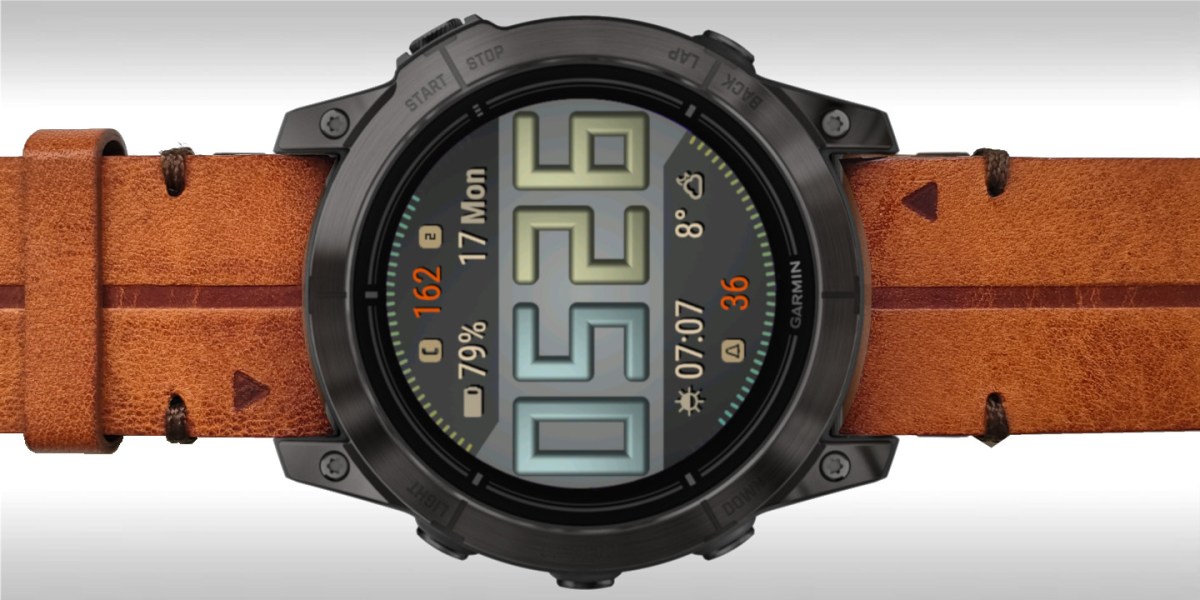
Industrial-inspired aesthetic creates a bold presence on your wrist, while its thoughtful functionality feels purposeful rather than cluttered.
Features:
- designed for readability
- adjustable data font size
- 70+ data choices
- 4 customizable data sets (easily switchable by touching time digits)
- 6 data fields
- 2 gauges
- 4 customizable status icons (phone, notifications, alarms, do not disturb)
- 15 customizable color themes
- 5 AOD modes (including a customizable one)
- adjustable AOD brightness
- basic settings available directly on the watch
- fully customizable date format
- choice of Garmin or OWM weather
- launching system widgets by touch
User manual:
https://reed.works/rw-aluminium-user-manual/
Download:
Garmin Pay version: https://apps.garmin.com/apps/39268de6-5cc1-4a55-b8a0-b90f2e35e1d6
Stripe payment version: https://apps.garmin.com/apps/0bf8c11e-b361-47de-adba-a35f5ad5e143
Pizza Lover version 1.5.0
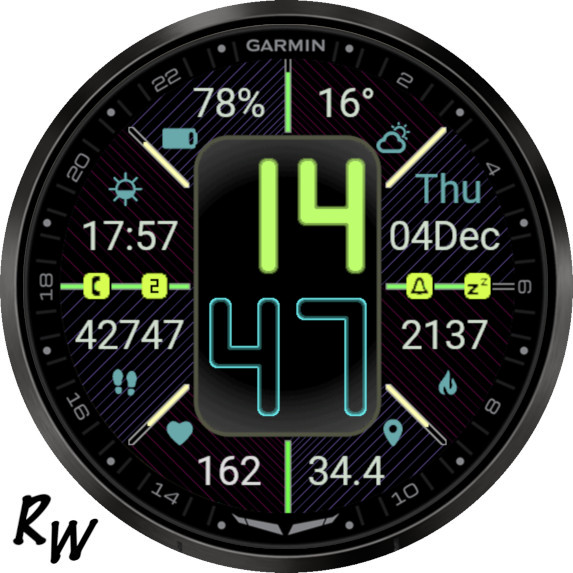
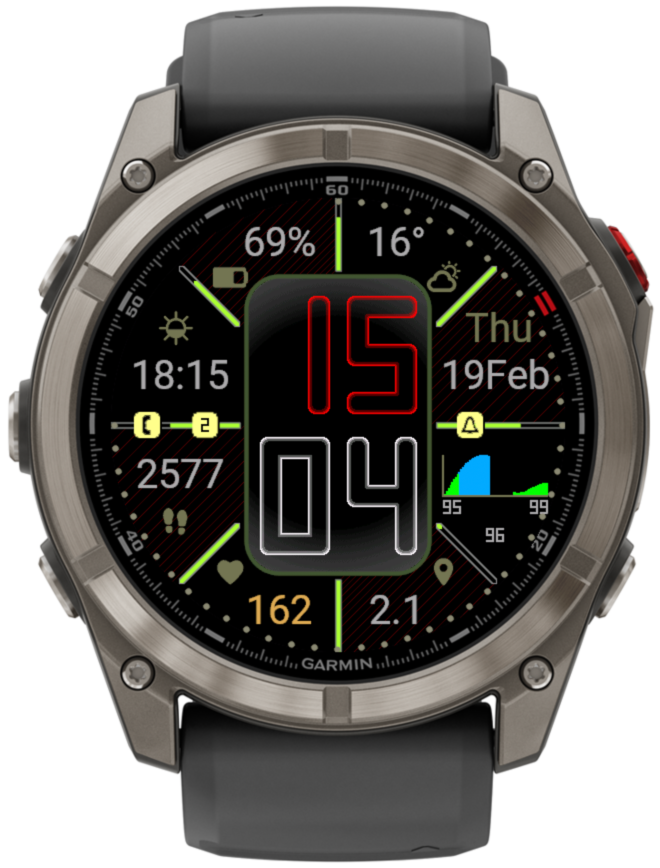
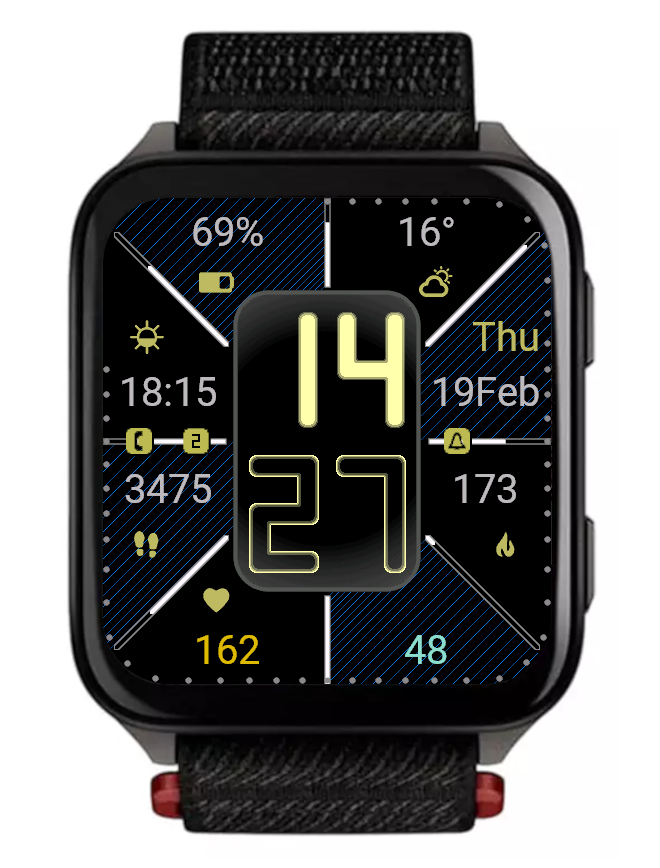
What’s new
- body weight, daily change, BMI
- next and 2nd next twilight
- linear and circular analog second options
- text exceeding data field size is truncated
- notification counter data option
- notifications option in gauges
- swim distance with two decimal digits
- current value added to graphs
- option to switch data sets by single or double gesture
- time background can be disabled on AMOLED as well
- fine tuning of the layout on some devices
- updated default color themes
- support for new devices
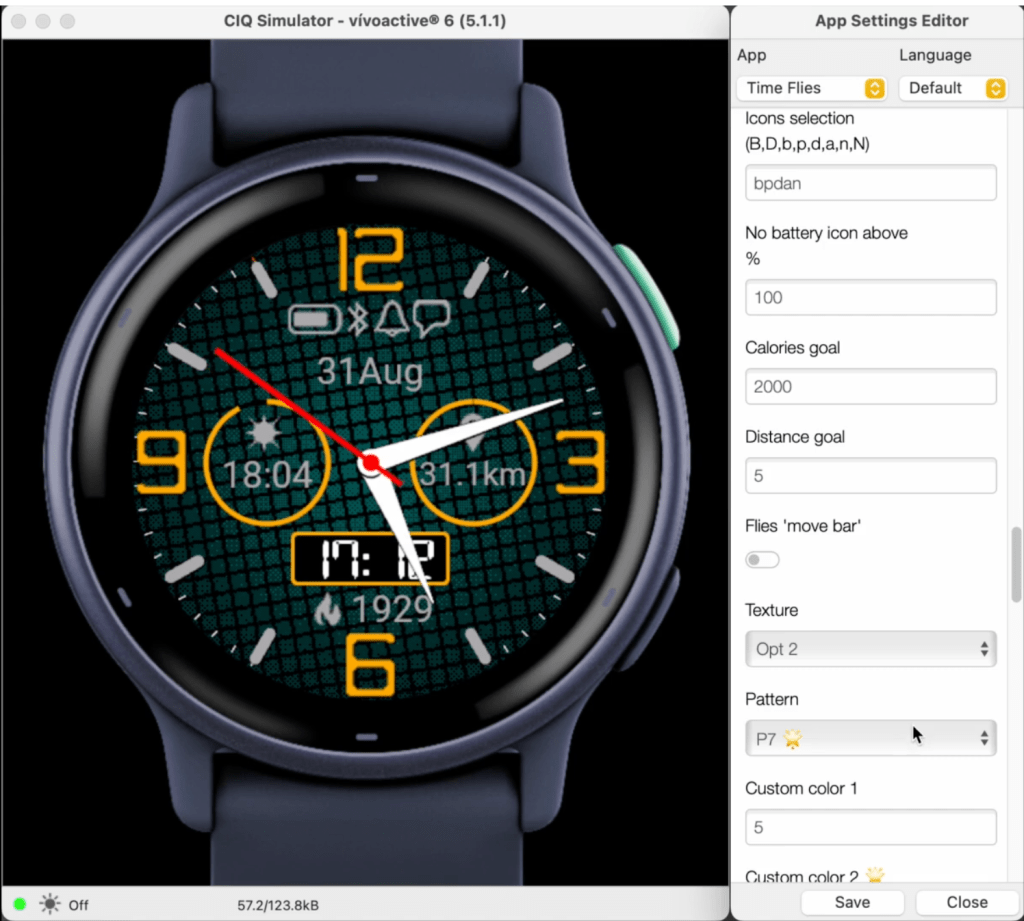
Time Flies background patterns
Instinct Pro data set configuration
Ok, this is crude, but this is my first attempt at instruction videos. Thanks for watching 🙂
Rails version 5.0.0
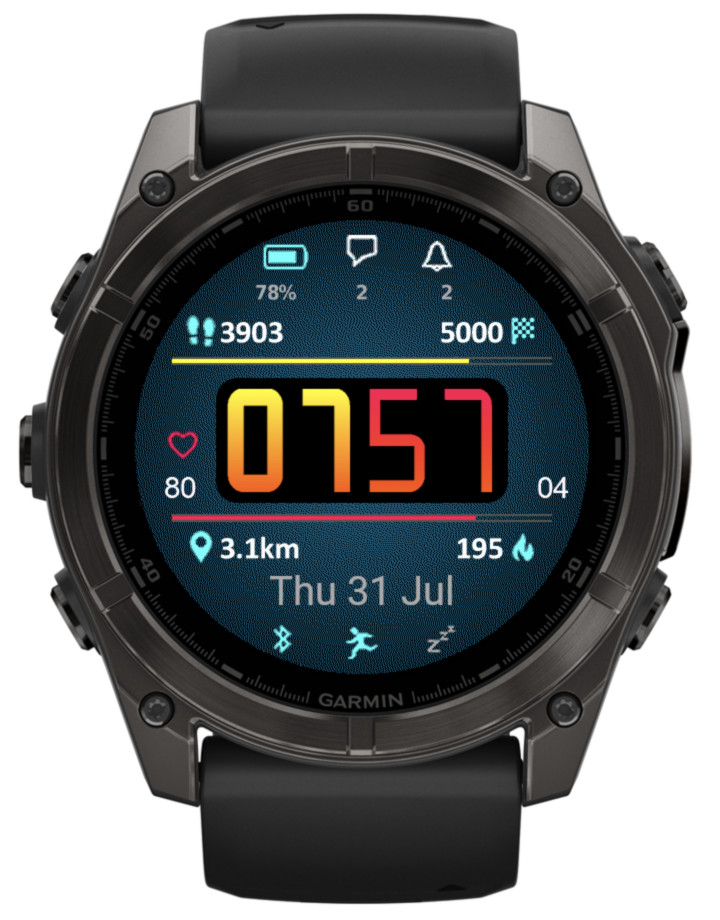
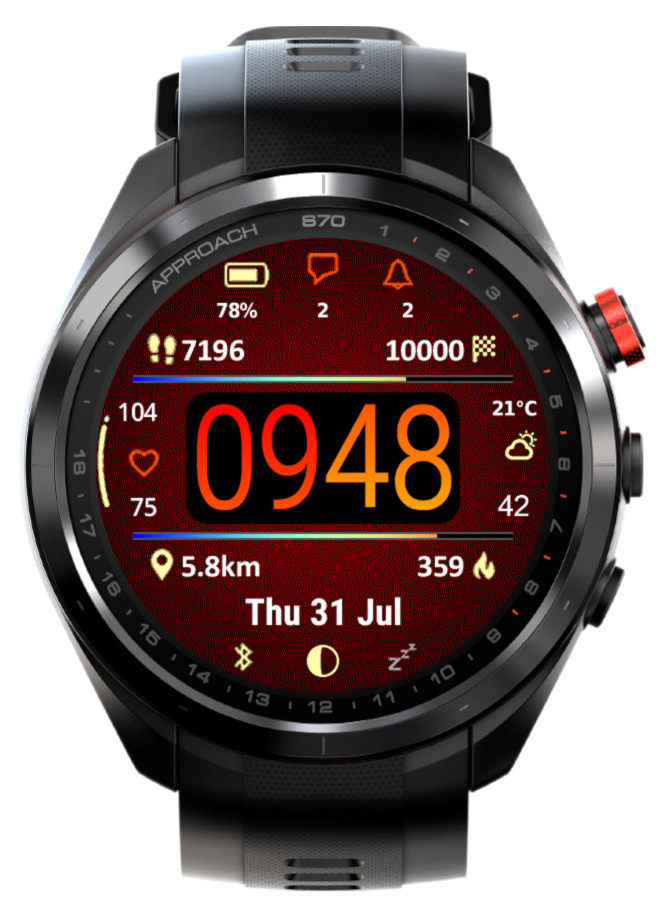
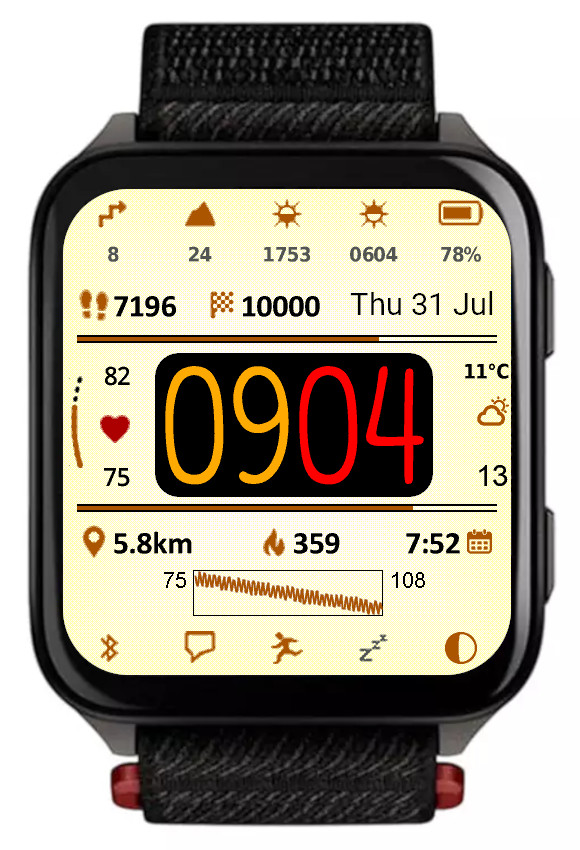
What’s new
This update mostly focuses on adding great new options to customize and manage color themes:
• Background texture
An additional display element, which can be set to ‘Off’ or to the color of your choice. Note that while enabled, the enhanced visual appeal brought by the texture comes at a cost of slightly increased battery drain and slightly reduced responsiveness. The impact may be more noticeable on devices with less memory such as fenix 6 or Enduro. If you don’t like the appearance of this new element, or are concerned about the performance, just set it to ‘Off’.
• Time background
Another new display element, you can set it to the color of your choice, or to the background color to hide it when the texture is ‘Off’.
• Custom colors can be entered in RGB 6-digit format allowing access to the full pallette
Now there are two ways in which any of the 4 custom colors can be defined: Either by entering the color number in the 64-color palette (from 0 = black to 63 = white), or by entering a 6-digit hexadecimal RGB color code (from 000000 = black to ffffff = white). The first method allows to access the colors typically supported by most MIP devices, while the latter allows choosing any color that is possible on a given device (65536 colors on AMOLED devices).
• Updated default color themes
If you update from an earlier version of Rails, your existing color themes will be preserved, with the exception of the texture and time background being added to them. To see what a new theme looks like, choose ‘Reset’ from the ‘Theme manipulation’ drop down list and save the settings. If you want to preserve your old theme, now you can do so by using the ‘Export’ option in the list.
• Option to export/import themes
The ‘Reset theme’ option has been removed and instead a new ‘Theme manipulation’ drop down list has been added in the settings, with these options:
Off – inactive
Reset – select and save the settings to bring back the factory defaults for the current theme
Import – select and save the settings to import the theme copied into the ‘Export/import color theme’ field
Export – select and save the settings to export the current theme. When you open the settings again, the theme can be copied from the ‘Export/import color theme’ field. Note that you MUST enter the settings twice to do this, this is a limitation of how Garmin’s settings system works
• In power save modes rails are drawn including their data
Previously only the rails outline was drawn, now it is shown together with the data as in full power mode.
• Weekly steps count
In addition to counting your steps daily, now you have an option to show the count for the whole week. The first day of the week is defined in the user profile in Garmin Connect.
• New device (Venu X1)
Rails takes full advantage of its rectangular screen shape by adding 4 more data fields, in the top and bottom icon rows.
Gradient version 3.7.0
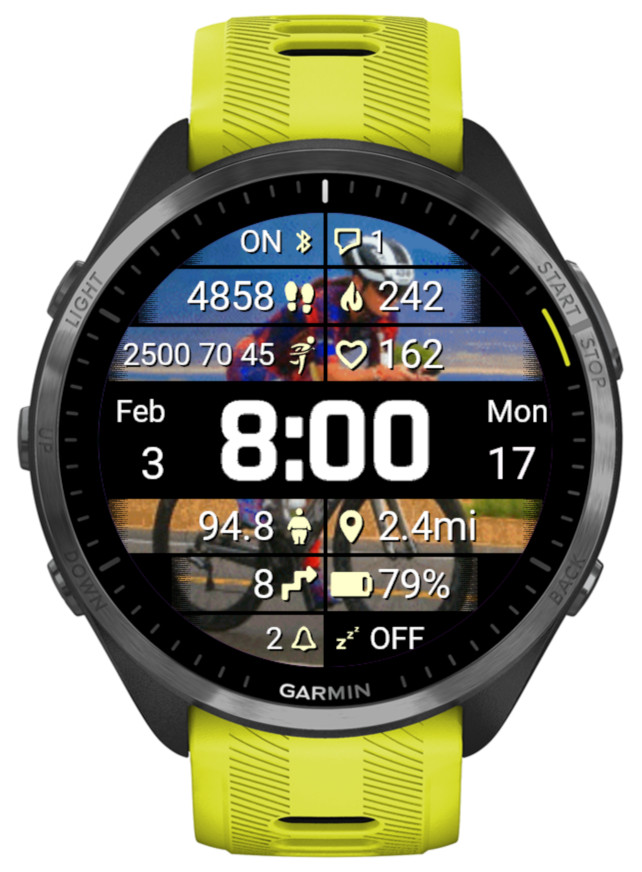
What’s new
Data points
- Weekly triathlon distances (swim [m/yd], bike [km/mi], run [km/mi])
- Body weight according to User Profile [kg/lb]
- Temperature + Feels like temperature
- Stress + body battery together
Wallpaper
- Img5